What is a push notification API, and when do you need one?
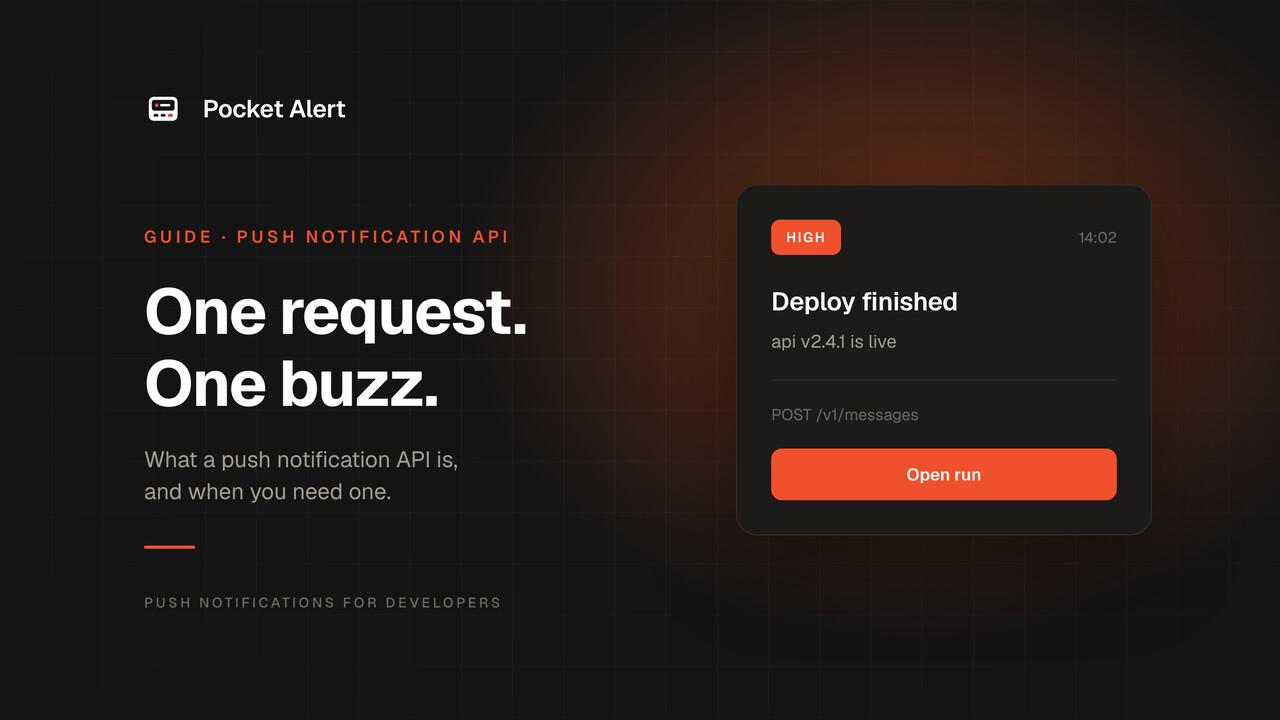
A push notification API is a web service that puts a message on a phone's lock screen when your code asks it to. You send one HTTP request with a title and a body, the service hands it to Apple or Google, and the phone shows it within seconds, whether or not any app is open.
That is the whole idea. The details are in who the notification is for, and how much of the delivery chain you want to own.
Two different things share the name
Search for "push notification API" and you get two kinds of product that barely overlap.
Platforms that push to your users. Firebase Cloud Messaging, Apple Push Notification service, OneSignal and similar. You build a mobile app, ship it to the App Store and Google Play, collect a device token from every install, and send product or marketing notifications to thousands of people. The API is the last step of a long project.
Services that push to you. Pocket Alert, Pushover, ntfy and others. The app already exists: you install it on your own phone, get an API key, and send alerts from scripts, servers and other services. Nothing to publish, no tokens to collect. A deploy finished, a backup failed, a payment came in.
This guide is about the second kind. If you are building a consumer app and need to reach its users, you want the first kind, and most of what follows will not apply.
What happens when you send one
Four hops, most of them invisible:
- Your code sends an HTTPS request to the service with a title, a message and your API key.
- The service checks the key, stores the message and decides where it goes: which of your devices, at what priority.
- It hands the notification to the platform's own push network, APNs for iPhone and Firebase Cloud Messaging for Android.
- Apple or Google delivers it over the connection every phone already keeps open to them, and the phone shows it.
Hops 3 and 4 are why push works while the app is closed and without draining the battery: the phone never polls anyone. The full path is in How push notifications work: APNs and FCM.
Why not talk to Apple and Google directly?
You can, if you have an app of your own in both stores. To push to your own phone with nothing in the middle, you would need:
- An Apple Developer Program membership and an iOS app built with the push entitlement, plus a Firebase project and an Android app for the other half.
- An APNs signing key and a Firebase service account, and code that signs requests for each.
- A way to collect device tokens from the app and keep them current as they change.
- Two request formats, two priority models and two sets of error codes.
That is a reasonable project when the app is your product. It is a lot of machinery for "tell me when the cron job fails". A push notification service has done all of it once, for everyone.
What a request looks like
With Pocket Alert, sending a notification is one authenticated POST:
curl -X POST https://api.pocketalert.app/v1/messages \
  -H 'Token: YOUR_API_KEY' \
  -H 'Content-Type: application/json' \
  -d '{"title": "Deploy finished", "message": "api v2.4.1 is live"}'
The response is 201 Created with the stored message and the priority it went out at. The same request works from any language with an HTTP client, and Send push notifications with curl has more terminal recipes.
Only title and message are required. The optional fields that matter most for alerts:
levelsets how loudly it arrives:silent,low,default,highorcritical.actionsadds up to three buttons to the notification: open a URL, fire an HTTP request, or copy a value.send_atordelaydelivers it later instead of now (paid plans).application_idanddevice_idsay which project it belongs to and which phone gets it.
Three ways in, not just the API
A push notification API is most useful when you do not have to write code for every source.
- The HTTP API for your own scripts, jobs and apps.
- Webhook URLs for services that already send webhooks. GitHub, Stripe, Grafana or Sentry post their own JSON to a Pocket Alert webhook, and placeholders like
%repository.name%pick fields out of it into the notification, with no code in between. Create your first webhook URL walks through it. - The CLI and the MCP server for the terminal and for AI agents:
pocketalert send "Build done" "All tests passed"from a shell (CLI), or acreate_messagetool that Claude or Cursor calls when a long task ends (MCP).
Where you would use one
Most alerts fall into a few groups:
- Something broke. A server stopped responding, a cron job exited non-zero, a backup did not run. See cron job alerts and server monitoring.
- Something finished. A deploy, a long build, a 12-hour 3D print, an AI agent's task. See deployment alerts.
- Something happened that you care about. A payment, a signup, a form submission. See payment alerts and signup alerts.
- Something is about to happen. A certificate that expires in 14 days. See SSL expiration alerts.
The common thread is an event someone should know about now, not the next time they open a dashboard or an inbox.
What to check before you pick one
Every service in this space sends a push from an HTTP request. The differences are in everything around it:
- Platforms. Some are iPhone-only (Bark, The Notification App), and Gotify's only official app is for Android. If anyone who needs the alert carries the other phone, that settles it.
- Priority levels. Can a failed backup sound different from a new signup? Can a critical alert get through Do Not Disturb?
- Inbound webhooks. Can a service post its own JSON, or does every source need a script to reshape it?
- History and logs. When an alert did not arrive, is there a record of the call and what happened to it?
- Limits and pricing. Per day, per month or per lifetime, and what happens when you hit the limit.
- Who runs it. A hosted service, or a server you maintain yourself.
We compare Pocket Alert with Pushover, ntfy, Pushbullet, Bark, Gotify and others on exactly these points in Alternatives, including where each of them is the better pick.
FAQ
Is a push notification API the same as Firebase Cloud Messaging?
FCM is one push notification API: the one Google provides for apps you build and publish. Services like Pocket Alert sit on top of FCM and APNs and take care of the app, the keys and the device tokens, so all you make is the HTTP request.
Do I need to build a mobile app?
Not for alerts to yourself or your team. You install an existing app, such as Pocket Alert for iPhone or Android, and send to it. You need an app of your own only to push to your own users.
Is it free?
Many services have a free tier. Pocket Alert's is 50 messages a day with no card, which covers most personal alerting, and paid plans start at $6 a month for 1,000 a day. Details on the pricing page.
How fast is delivery?
Usually a few seconds from request to lock screen. Apple and Google do not guarantee timing, though: a phone with no signal or in a strict battery-saving mode gets the notification when it reconnects.
Push, SMS or email?
Push for things that need attention now, email for digests and records, SMS when the person has no smartphone app at all. The trade-offs are in Push notifications vs SMS and Push notifications vs email alerts.
Create a free account, copy your API key, and the curl command above is your first push.