Push notifications vs email alerts: which one for what
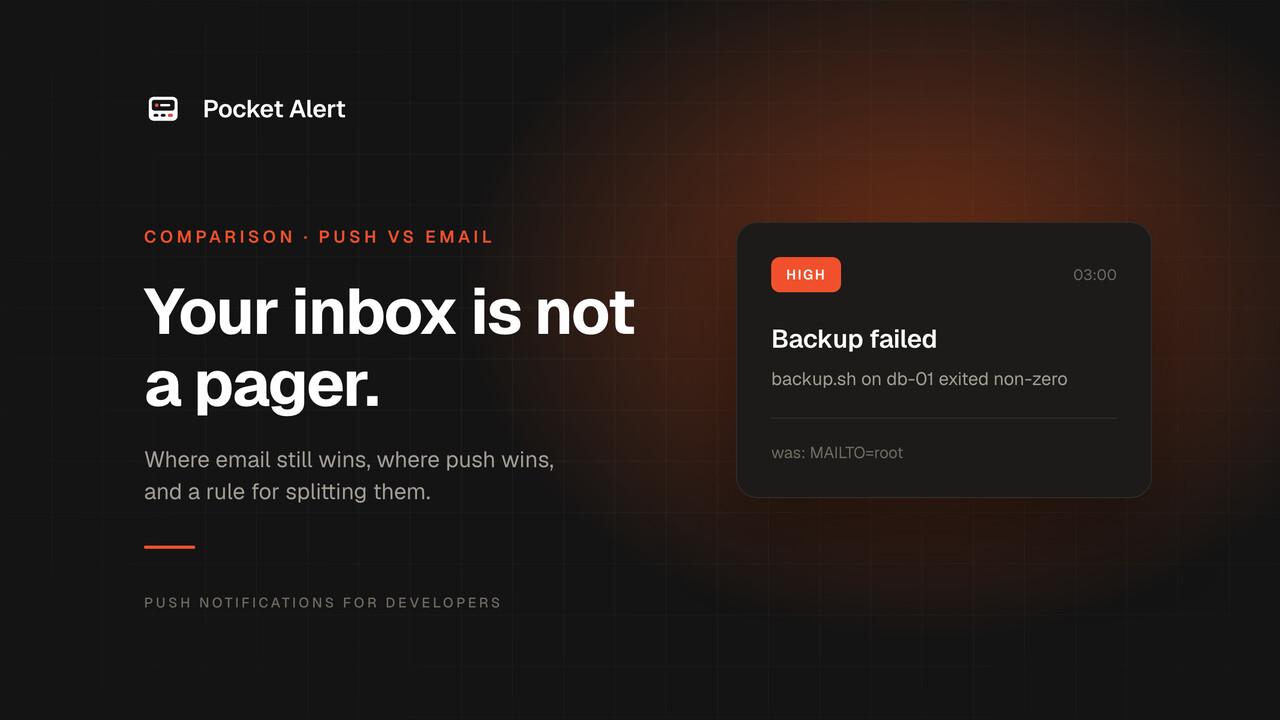
Every tool you run can send email. Cron mails its output to MAILTO, monitoring services have an email channel on by default, CI emails you when a pipeline fails. So that is where most alerts end up: in the inbox, between a newsletter and a calendar invite.
Email is a fine channel for many things. Waking you up is not one of them. Here is where each one belongs.
Why alerts get lost in email
The inbox is shared with everything else
An alert email competes with every other message you get that day. The usual fix is a filter that moves alerts into their own folder, and a folder you have to remember to open is a folder you do not open. The alert was delivered, and nobody saw it.
Every email arrives the same way
Email has no reliable way to say "this one matters more". Your phone treats a failed backup like a receipt: same sound, same badge, or no sound at all if you turned mail notifications off, which most people do. Short of hand-built VIP lists and per-sender rules, there is no priority.
Deliverability is now your problem
Since February 2024, Gmail and Yahoo require every sender to authenticate with SPF or DKIM, send over TLS, have valid reverse DNS, and keep the spam rate under 0.3%. Bulk senders need DMARC on top. Since November 2025, Gmail has been stepping up enforcement, deferring or rejecting mail that does not comply.
A cron job mailing from root@backup-01 through the server's own MTA usually fails at least one of those checks. The alert lands in spam or bounces, and you find out when you go looking for a backup that never ran.
Where email still wins
Email is the better channel when the message is meant to be read later, not acted on now:
- Reports and digests. A daily summary of jobs, a weekly cost report, a list of certificates expiring this month.
- Long content. Full logs, stack traces, attachments, a table of failed tests.
- Records. Something you want to search, forward or file next quarter, such as an invoice, an audit event or a security notice.
- People outside the team. Customers and stakeholders have email; they do not have your alerting app.
It is also cheap. Transactional email services are close to free at alert volumes: Resend's free plan covers 3,000 emails a month (100 a day), and Amazon SES charges $0.10 per 1,000. Cost is not the problem with email alerts. Attention is.
Where push wins
Run the 3 a.m. test. The database is down and you are asleep. Which channel gets you up?
A push notification lights up the lock screen, and with the right level it gets through Focus and Do Not Disturb. In Pocket Alert every message carries one of five levels:
silentandlowfor things you want on record but not on your lock screen.defaultfor normal events, such as a deploy that finished.highfor failures. On iPhone it arrives as time-sensitive and gets through Focus.criticalfor incidents. On Android it overrides Do Not Disturb. See critical alerts.
A push can also do something an email cannot do from the lock screen: carry action buttons that open the failing job, call a restart endpoint, or copy an ID.
A simple rule for splitting alerts
Ask one question: does someone need to act before they would next check their inbox?
- Yes, now: push at
highorcritical. Service down, payment failing, backup failed, disk almost full. - Yes, today: push at
default. A deploy finished, a long job ended, a new signup. - No, it is information: email. The daily digest, the weekly report, the full log of a failed run.
- Both: a security event. Push to get attention, email to keep the record.
Moving an alert from email to push
Most alerts that go to email today can be switched in minutes.
Services that also send webhooks. Grafana, Sentry, GitHub, Stripe and most monitoring tools have a webhook channel next to email. Create a Pocket Alert webhook, paste its URL into the tool, and map fields from the payload into the notification with placeholders like %alerts.0.labels.alertname%.
Cron jobs. Instead of mailing all output to MAILTO, send a push only when the job fails:
PA_KEY=your_api_key
0 3 * * * /usr/local/bin/backup.sh || curl -fsS https://api.pocketalert.app/v1/messages -H "Token: $PA_KEY" -F "title=Backup failed" -F "message=backup.sh on $(hostname) exited non-zero" -F "level=high"
The || runs the curl only when backup.sh exits with an error, so a successful night is silent. More recipes are in cron job alerts.
Your own code. One POST from wherever the email used to be sent:
curl -X POST https://api.pocketalert.app/v1/messages \
  -H "Token: $PA_KEY" \
  -H 'Content-Type: application/json' \
  -d '{"title": "Payment failed", "message": "Invoice INV-2048, card declined", "level": "high"}'
Keep the email too, if you want the record. The push is for attention, the email for the archive.
FAQ
Are push notifications more reliable than email?
They fail differently. Email can be delayed, filtered or rejected by the receiving server, and you rarely find out. A push either reaches the phone or does not, and Pocket Alert keeps every message in a history you can check, along with a log of every webhook call. Neither Apple nor Google guarantees delivery time, so for anything critical, send at the critical level and make sure the app is allowed to break through Do Not Disturb.
Why do my cron emails go to spam?
Usually because they are sent from a server that is not authorized to send for its domain. Gmail and Yahoo now require SPF or DKIM and valid reverse DNS for all senders. Either send through an authenticated email service, or send the alert as a push instead.
Should I turn off email alerts completely?
No. Keep email for digests, reports and anything you want to search or forward later. Move only the alerts that need someone to act soon.
How many alerts can I send for free?
Pocket Alert's free plan includes 50 messages a day, enough for most personal and small-team alerting. Paid plans start at $6 a month for 1,000 a day.
What about SMS?
SMS reaches people without the app, but costs per message and now needs carrier registration in the US. The full comparison is in push notifications vs SMS.
New to push? Start with what a push notification API is, or create a free account and move your noisiest alert first.