Your CardputerZero is now a pager
Server, CI and webhook alerts on M5Stack’s pocket Linux computer. Read them, run their actions and send your own – right from the keyboard.
Available now · app store version coming soon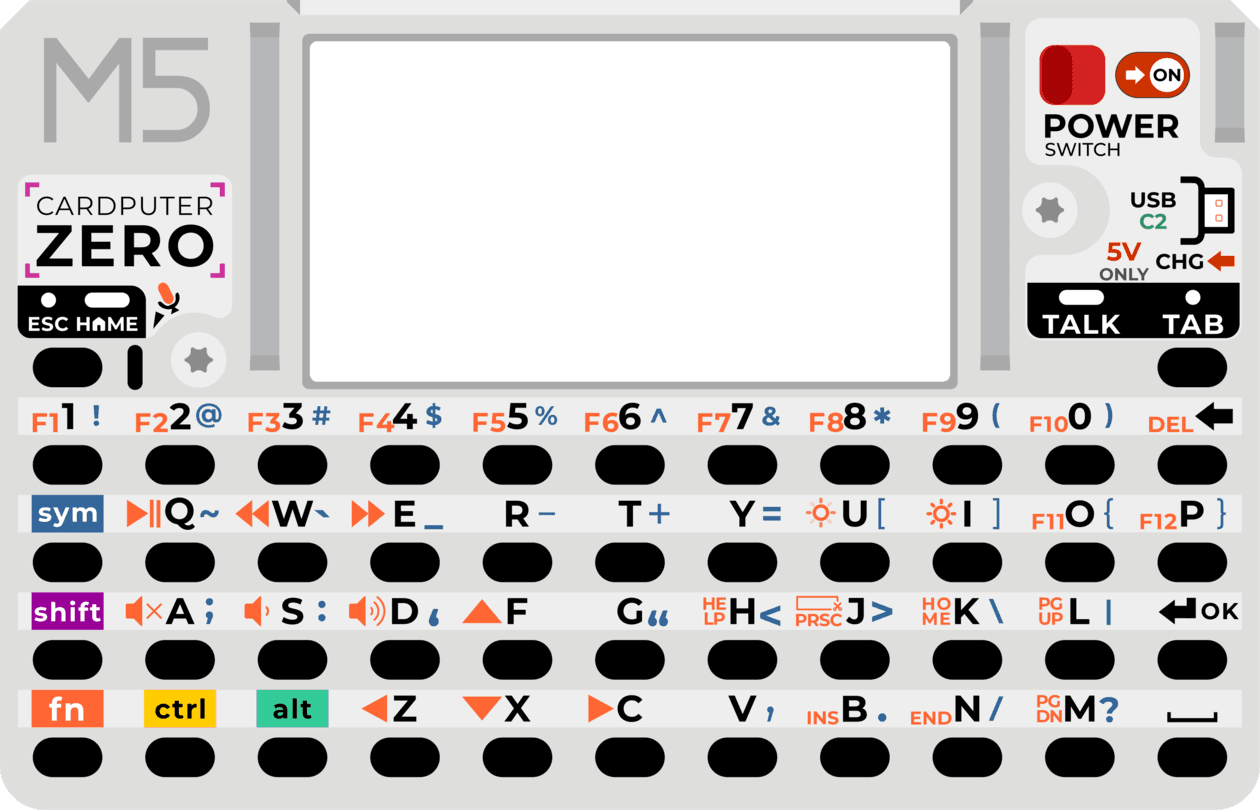
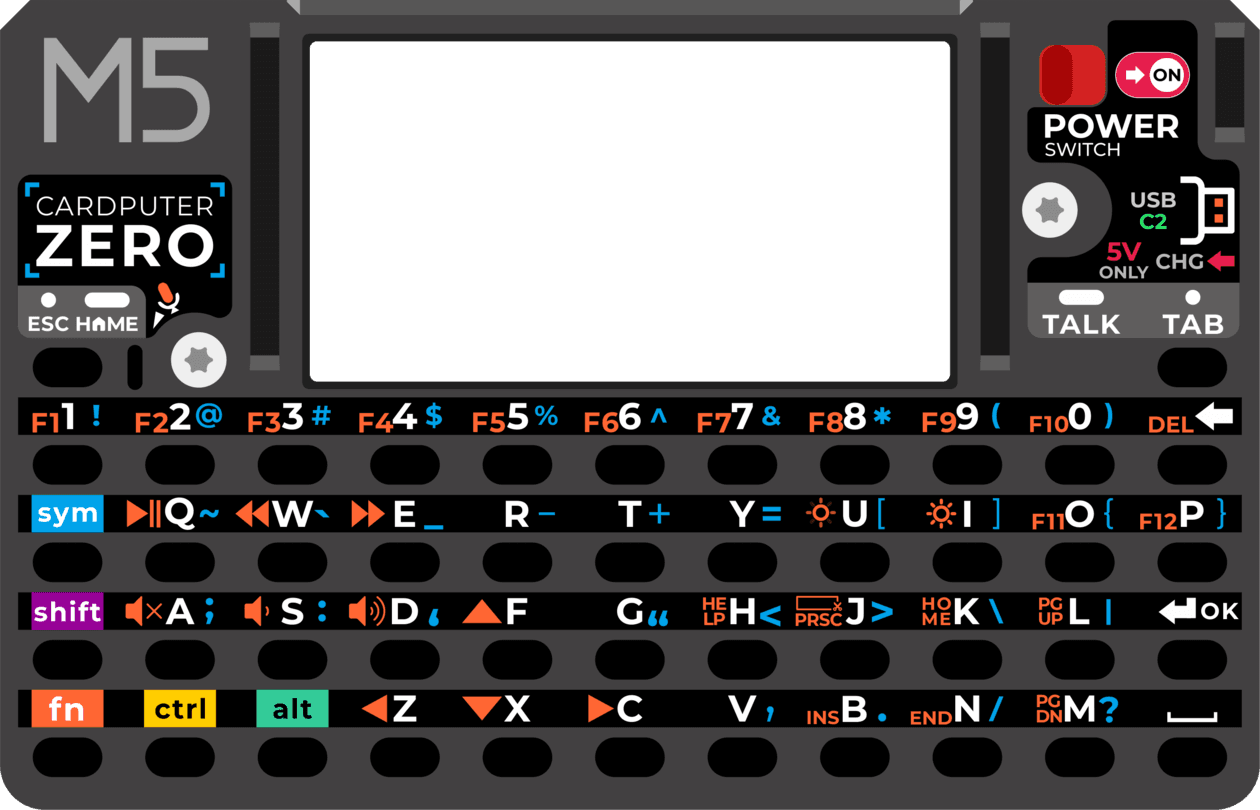
Press the glowing keys or use your own keyboard. Arrows are F, Z, X and C, like on the device. New alerts arrive every few seconds.
A real CardputerZero app, not a web page
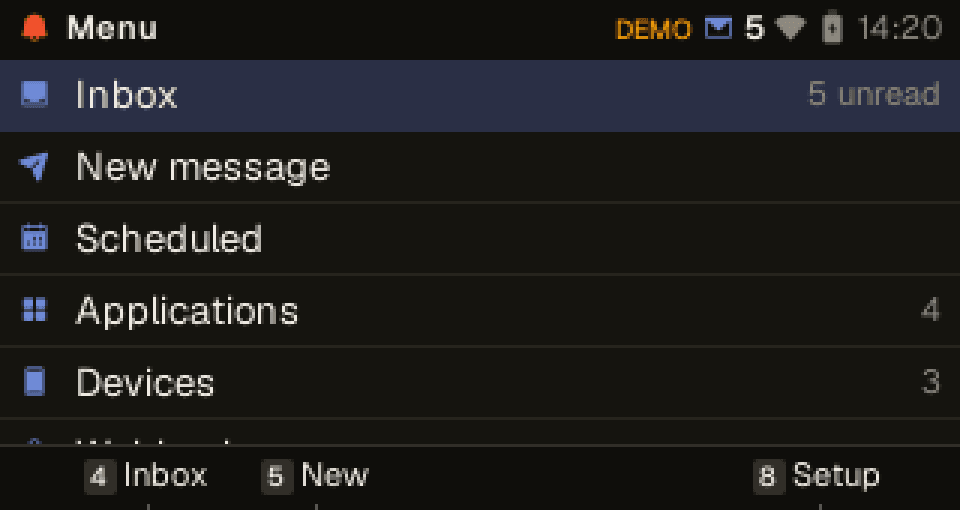
A native app for the 320×170 screen and the 46-key keyboard. Everything you do in the Pocket Alert dashboard, in your pocket.
Inbox in your pocket
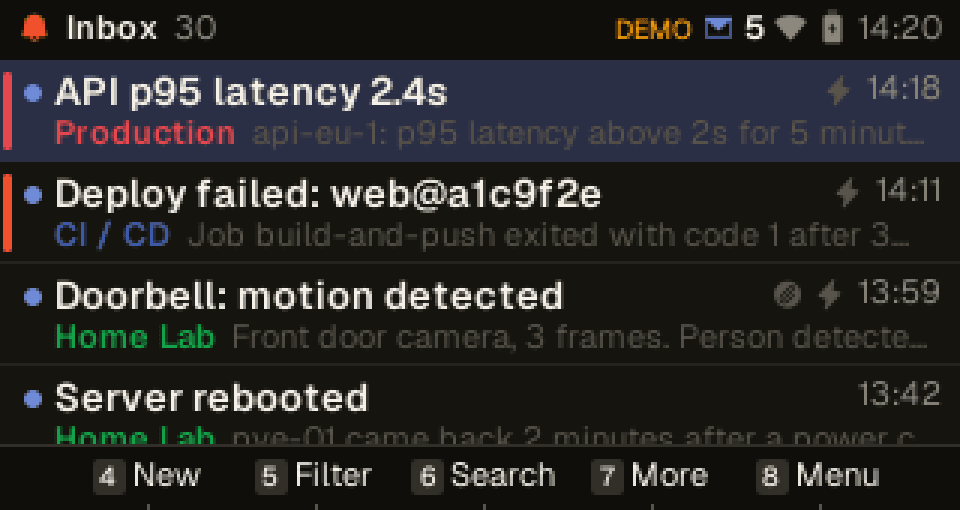
Unread markers, filter by application, search and unread-only view. Mark read or unread, delete, or read everything at once.
Act on alerts
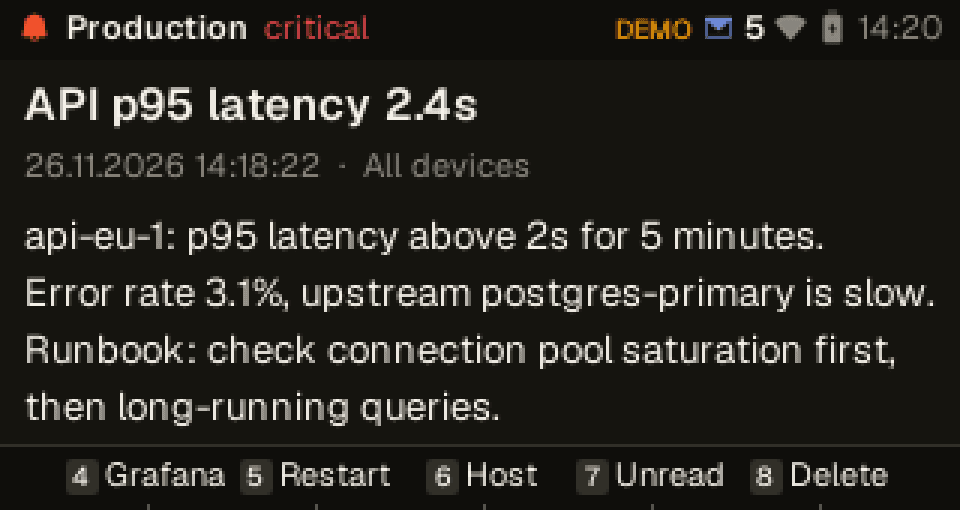
Action buttons from the alert sit on the 4–6 keys: call a restart endpoint, open a dashboard URL or copy a host name.
Send from the keyboard
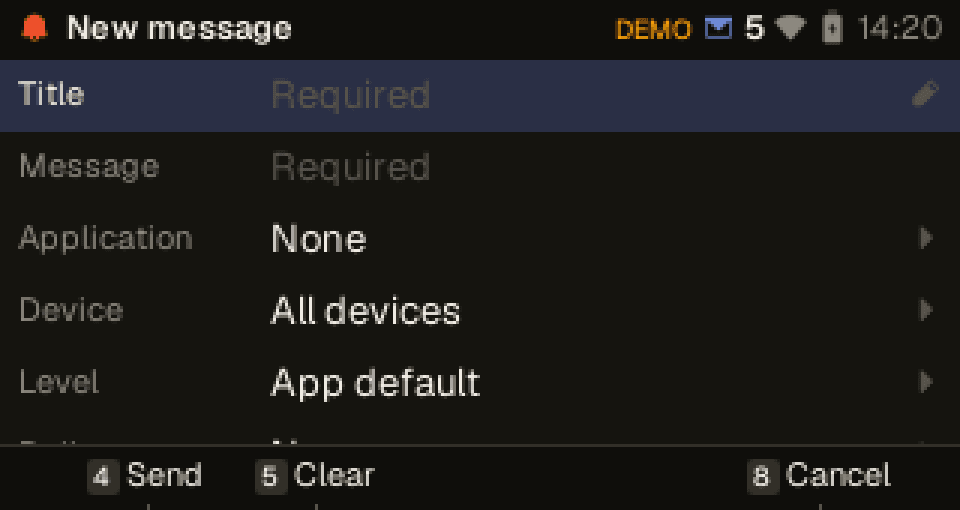
Compose with title, text, application, device and level. Deliver now, after a delay or at a set time, with up to three action buttons.
Beeps when the app is closed
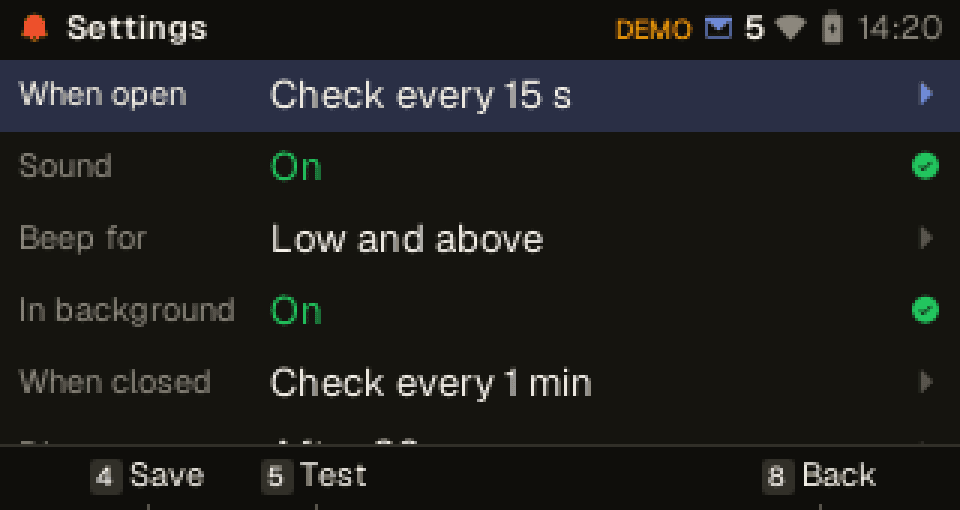
A small background notifier beeps for new messages while the app is closed. Pick the lowest level that beeps; silent alerts never do.
Easy on the battery
No busy loop: the app sleeps between key presses and messages, dims and then turns the screen off, and polls less while closed.
Your whole account
Scheduled messages, applications, devices, webhooks with their history, forms, API keys and today’s usage – all on the device.
Made for a 320×170 screen
Every screen is drawn for the CardputerZero: big type, key hints at the bottom, no mouse needed.
What people use it for
A Raspberry Pi pager that sits on the desk or in a pocket and does one job: tell you what broke.
Homelab
UPS on battery, a failed backup, a Proxmox node that came back after a power cut. The CardputerZero on your desk beeps before you open a dashboard.
Homelab alerts →CI/CD
A failed deploy lands with a “Retry” button on key 4. Press it and the CI endpoint gets the request – no laptop needed.
Deployment alerts →On-call without a phone
Keep the phone on Do Not Disturb and let a dedicated Raspberry Pi pager carry the critical alerts for your shift.
Critical alerts →IoT sensors on the bench
Sensors and boards on the bench send a curl request; the readings and threshold alerts show up on the pocket screen next to them.
IoT sensor alerts →Push notifications in three steps
Install the app
Download the latest .deb from GitHub Releases, copy it to the device and run sudo apt install ./pocketalert-cardputer_*_arm64.deb.
Sign in
Create a free account (50 messages a day, no card), then sign in on the device with email and password or an API key.
Send alerts from anything
Send alerts from anything: curl, the Pocket Alert CLI, webhooks or forms. See the quick start.
Questions, answered
Yes. The app is free and works with the free Pocket Alert plan, which includes 50 messages a day. Paid plans from $6 a month raise the limits.
Download the latest pocketalert-cardputer .deb (arm64) from GitHub Releases, copy it to the device and run “sudo apt install ./pocketalert-cardputer_*_arm64.deb”. Pocket Alert then shows up in the launcher. The app is also coming soon to the CardputerZero app store.
No. The original Cardputer and the Cardputer ADV are ESP32 boards without Linux. The app runs on the CardputerZero and the CardputerZero Lite, which are Linux computers.
No. The CardputerZero connects over Wi-Fi and talks to the Pocket Alert API directly. You can still use the iOS and Android apps next to it – messages sync everywhere.
The app sleeps until a key press or a message arrives, dims the screen and then turns it off after timeouts you choose, and polls less often while it is closed.
English, German, Spanish, French, Indonesian, Italian, Japanese, Korean, Portuguese, Russian and Chinese. There is a dark theme and a green “Pager LCD” theme.
No. Pocket Alert is an independent service and is not affiliated with M5Stack. CardputerZero is M5Stack’s product; we use the name only to say which device the app runs on.
Turn your CardputerZero into a pager
Install the .deb from GitHub Releases, sign in with a free Pocket Alert account and send your first alert in a minute.