Pocket Alert for CardputerZero: a pager for your servers
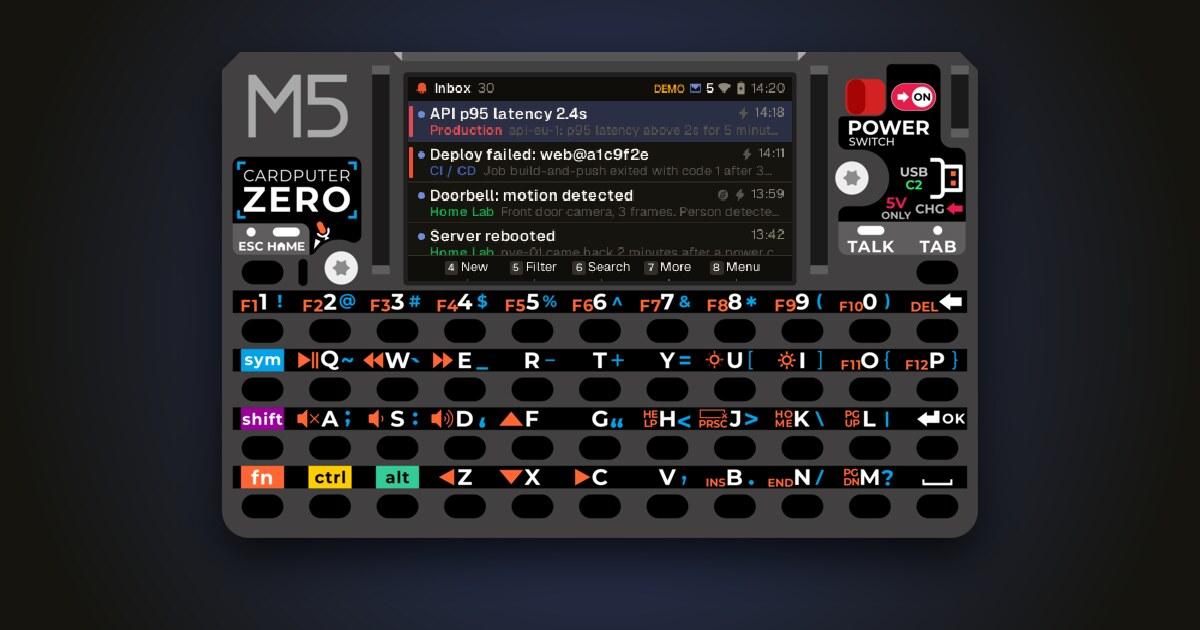
The M5Stack CardputerZero is a pocket Linux computer: a Raspberry Pi CM0 with a 320×170 screen, a 46-key keyboard, a speaker, Wi-Fi and a battery. It fits in a shirt pocket. We think it is the best pager a developer can own, so we built a Pocket Alert app for it.
Starting today, Pocket Alert for CardputerZero is available as a .deb package on GitHub Releases. A version in the CardputerZero app store is coming soon. The source code is on GitHub under the MIT licence.
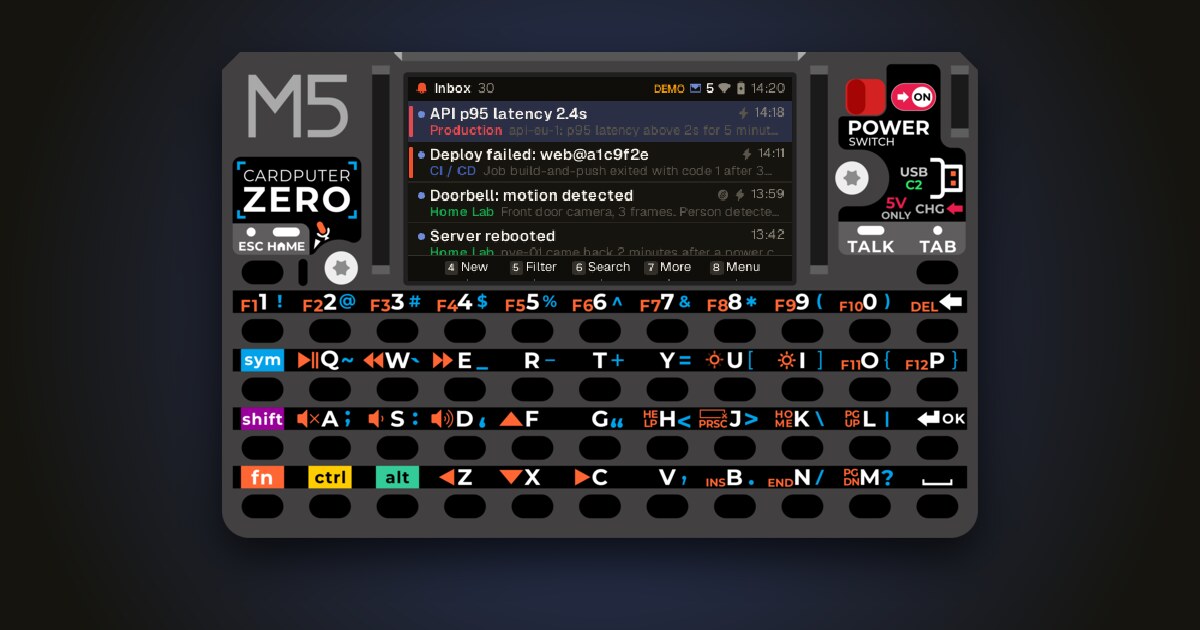
You can try every screen in the browser first: the CardputerZero page has an interactive device that runs the same interface, with new alerts arriving every few seconds.
What the app does
The app is native C++ with LVGL, drawn for the small screen and driven only by the keyboard. No mouse, no browser.
- Inbox. Unread markers, a coloured stripe for high and critical alerts, filter by application, search, unread only. Mark read or unread, delete one message or all of them.
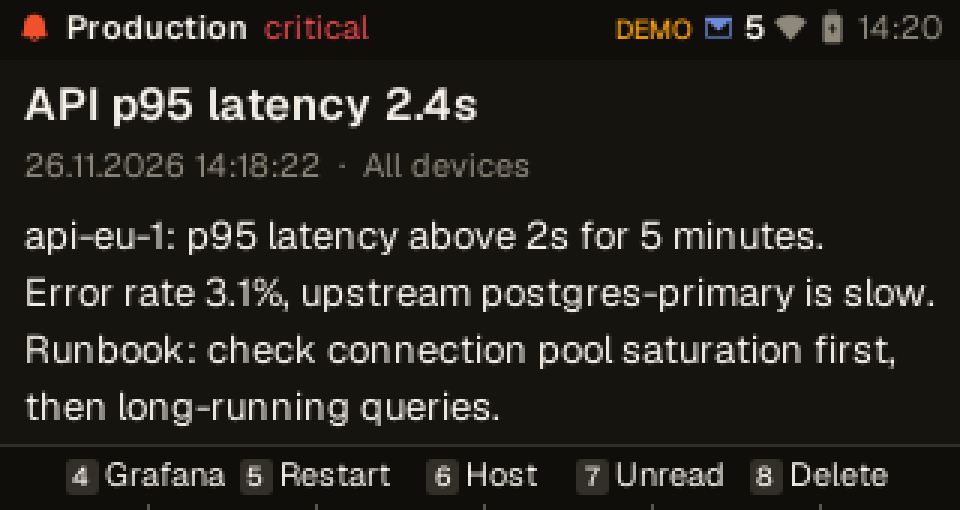
- Action buttons. The buttons you attach to a message sit on the
4,5and6keys. Avieworcopybutton shows the value with a QR code to scan on your phone. Anhttpbutton shows the method and the full URL and runs the request only after you press Enter. - Compose. Title, text, application, device and level. Deliver now, after a delay or at a set time, with an image URL and up to three action buttons.
- Your whole account. Scheduled messages, applications, devices, webhooks with their request history, forms, API keys, and today's usage.
- 11 languages, a dark theme and a green "Pager LCD" theme.
Alerts with the app closed
A pager is useless if you have to keep an app open. The package installs a small background notifier, pocketalert-cardputer-notifyd, as a systemd user service. While the app is closed or the screen is off, it checks for new messages every minute and beeps. You choose the lowest level that beeps in Settings; silent alerts never make a sound.
The Pocket Alert API has no push channel for clients other than iOS and Android, so the device polls. With the app open it checks every 15 seconds by default, and both intervals can be changed in Settings. Failed checks back off, up to 5 minutes in the app and 10 minutes in the notifier, so a dead Wi-Fi network does not drain the battery.
Easy on the battery
The app sleeps on the keyboard and the network worker instead of spinning in a loop; when idle it wakes about once a second. The backlight dims after 30 seconds without a key press and turns off after a minute. Both timeouts are adjustable or can be set to "Never", and the first key press only wakes the screen.
Install
Download the latest pocketalert-cardputer_*_arm64.deb from GitHub Releases, then copy it to the device and install it:
scp pocketalert-cardputer_*_arm64.deb <user>@<device-ip>:/tmp/
ssh <user>@<device-ip> 'sudo apt install -y /tmp/pocketalert-cardputer_*_arm64.deb'
Pocket Alert shows up in the launcher. Open it and sign in with one of these:
- your email and password (two-factor authentication works). The device gets its own API key named "Cardputer Zero";
- an API key from API Keys;
- the key of the Pocket Alert CLI, if it is installed on the device.
A short tour shows the keys. 4 to 8 are the actions in the bottom bar, F and X move up and down, Z and C left and right, Esc goes back, and fn+H lists the keys for the current screen.
If you want the notifier to start at boot rather than after the first login, enable lingering for your account:
sudo loginctl enable-linger $USER
Send your first alert
Anything that can make an HTTP request can now beep on your desk:
curl -X POST https://api.pocketalert.app/v1/messages \
  -H "Token: YOUR_API_KEY" \
  -H "Content-Type: application/json" \
  -d '{"title": "Backup failed", "message": "nas-01: rsync exited with code 23", "level": "high"}'
The same message also reaches your phone if the Pocket Alert app is installed there. Without a device_id, a push goes to every device on the account, and the message history is shared between the CardputerZero, the phones and the web console.
Which devices
The app runs on the CardputerZero and the CardputerZero Lite. It does not run on the original Cardputer or the Cardputer ADV: those are ESP32 boards without Linux.
Pocket Alert is an independent service and is not affiliated with M5Stack. If something does not work on your device, open an issue on GitHub or write to us.