OpenClaw Integration (formerly ClawdBot, MoltBot)
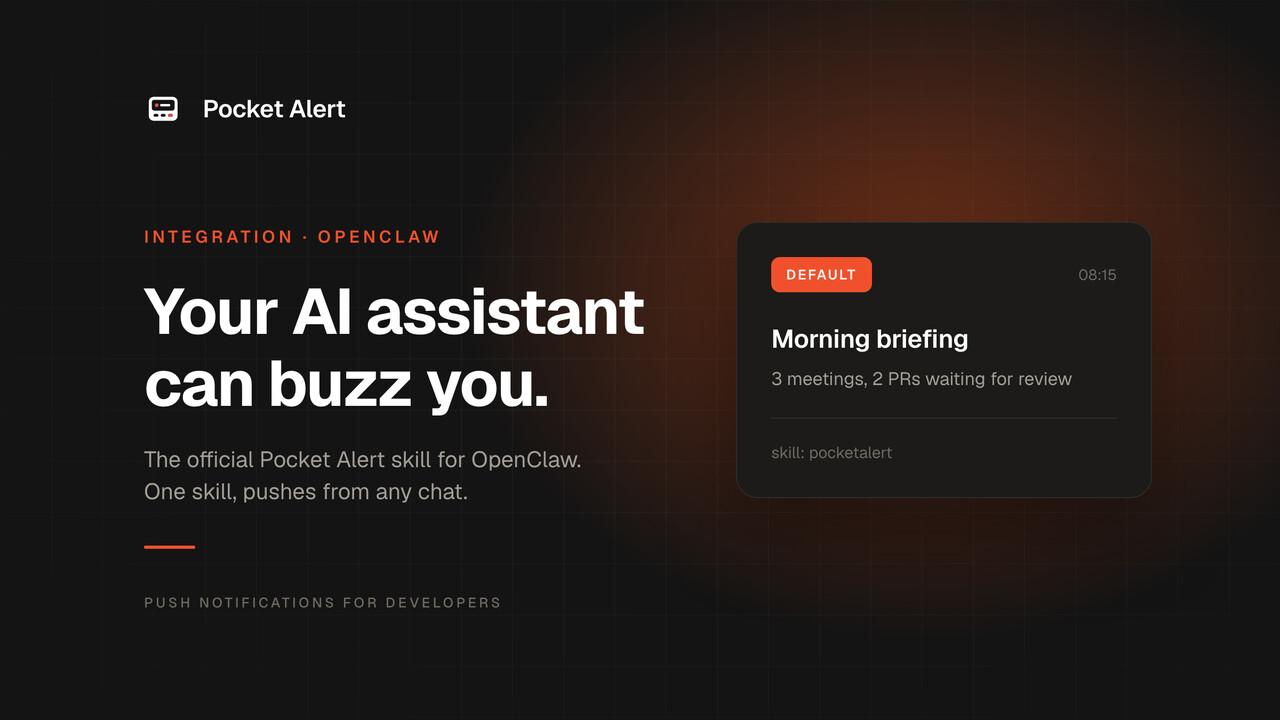
Meet OpenClaw: Your 24/7 AI Employee
OpenClaw (formerly known as ClawdBot and MoltBot) is an open-source AI assistant that lives in your messaging apps — WhatsApp, Telegram, Discord, and more. Think of it as a smart employee you can text anytime to manage emails, edit documents, push code, check your calendar, and automate countless tasks.
Unlike cloud-based assistants, OpenClaw runs on your own hardware (Mac Mini, VPS, or old laptop), keeping your data private and secure. With persistent memory and customizable skills, it learns about you and your workflows to become more helpful over time.
Pocket Alert Skill for OpenClaw
We created an official skill that connects OpenClaw with Pocket Alert. The skill uses the Pocket Alert CLI to send push notifications from your OpenClaw directly to your phone.
Skill page: https://www.clawhub.ai/Akellacom/pocketalert
What You Can Do
With this integration, OpenClaw can send you push notifications when:
- Important tasks are completed
- Errors or issues need your attention
- Scheduled jobs finish running
- Long-running processes complete
- Critical events happen (even when chat apps are muted)
Setup Guide
Step 1: Create API Key in Pocket Alert
- Open the Pocket Alert web app and sign in
- Go to Settings → API Keys
- Click Create API Key
- Give it a name (e.g., "OpenClaw")
- Copy the API key – you'll need it in Step 3
Step 2: Install Pocket Alert CLI
Install the CLI on the machine where OpenClaw is running.
macOS / Linux:
curl -fsSL https://raw.githubusercontent.com/PocketAlert/cli/main/install.sh | sh
Or with Homebrew: brew install pocketalert/tap/pocketalert
Windows:
Download pocketalert_windows_amd64.zip, unzip it and add the folder to your PATH.
Step 3: Authenticate CLI
Run the authentication command with your API key from Step 1:
pocketalert auth
Paste the key at the prompt. It is stored in ~/.pocketalert/config.json; on servers you can set POCKETALERT_API_KEY instead.
To verify everything works:
pocketalert profile
Step 4: Install the Skill in OpenClaw
Now install the Pocket Alert skill from ClawHub:
-
Open your OpenClaw chat (Telegram, WhatsApp, or Discord)
-
Use the ClawHub command to install the skill:
/skill install Akellacom/pocketalertOr ask OpenClaw:
Install the Pocket Alert skill from ClawHub -
The skill will be downloaded and installed automatically
Step 5: Test the Integration
Once installed, ask OpenClaw to send a test notification:
Send me a test notification through Pocket Alert
Or use the skill directly:
Use the pocketalert skill to send "Hello from OpenClaw!"
You should receive the notification on your phone instantly!
Usage Examples
After setup, you can ask OpenClaw to notify you in natural language:
- "Send me a notification when you finish analyzing my emails"
- "Notify me if the server backup fails"
- "Alert me when the report is ready"
- "Send a push notification when deployment is complete"
Or combine with other OpenClaw capabilities:
- "Check my calendar every morning at 8 AM and send me a briefing via Pocket Alert"
- "Monitor CPU usage and alert me if it goes above 80%"
- "Send me a daily summary of completed tasks every evening"
Security & Privacy
- Local execution: OpenClaw runs on your hardware, not in the cloud
- Secure storage: API keys stored with permissions
600in~/.pocketalert/config.json - HTTPS only: All API communications are encrypted
- Data ownership: Your data stays yours — no third-party access
About OpenClaw
OpenClaw (previously ClawdBot, MoltBot) is an open-source project by Peter Steinberger and the community. It has rapidly gained popularity among developers, productivity enthusiasts, and automation fans for its flexibility and power.
Key features:
- Multiple AI models: Works with Claude, GPT-4, and other LLMs
- Multi-platform: WhatsApp, Telegram, Discord, Slack support
- Extensible: Easy-to-create custom skills via ClawHub
- Persistent memory: Remembers context across conversations
- Scheduled tasks: Cron jobs and reminders
- Self-hosted: Your data, your control