Cursor push notifications: a ping when the agent finishes
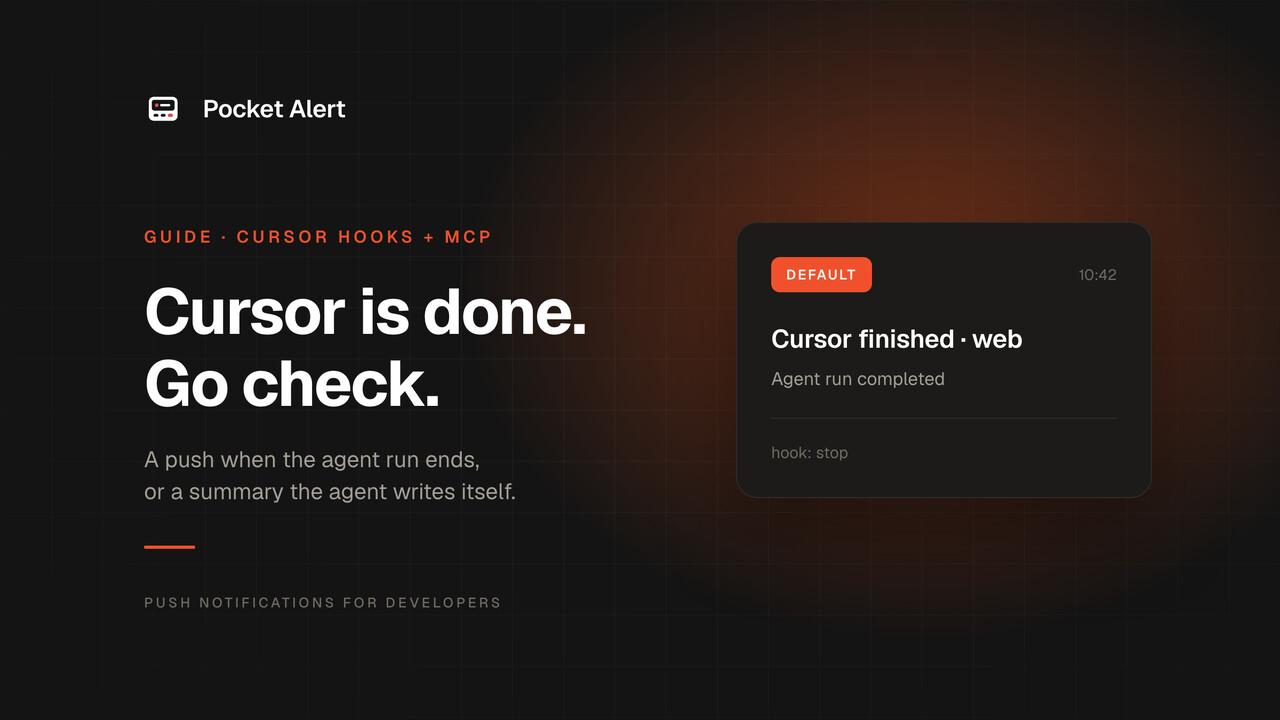
Cursor's agent can refactor a module while you make coffee, but for an ordinary local run Cursor tells you it is done only on the computer: a sound, or a system notification if you turned them on. The Cursor iOS app does push when an agent finishes a turn, but only for cloud agents and sessions you hand off with Remote Control, on a paid plan and an iPhone; Android is planned.
If you want a push on your phone when a local agent run ends, Cursor gives you two ways to send one:
- A
stophook. Cursor runs your script every time the agent loop ends, whether it completed, was aborted or hit an error. Reliable, the same every time. - An MCP tool. Add the Pocket Alert MCP server and the agent can send you a push whenever you ask it to, with a message it writes.
This guide sets up both. Each takes a few minutes.
What you need
- Cursor 1.7 or later; hooks arrived in 1.7.
jqandcurlfor the hook.- A Pocket Alert account, an API key from API Keys, and the app on your phone. The Free plan is enough.
Cursor launched from the Dock does not read your .zshrc, so environment variables you export there are invisible to it. Keep the key in a file instead:
mkdir -p ~/.config/pocketalert
printf '%s' 'YOUR_API_KEY' > ~/.config/pocketalert/key
chmod 600 ~/.config/pocketalert/key
Option 1. A stop hook for every run
The script
Cursor passes the hook a JSON object on stdin. For stop it includes status (completed, aborted or error) and workspace_roots, the folders open in the window. Save this as ~/.cursor/hooks/pocketalert.sh:
#!/usr/bin/env bash
payload=$(cat)
project=$(basename "$(jq -r '.workspace_roots[0] // "cursor"' <<<"$payload")")
status=$(jq -r '.status // "completed"' <<<"$payload")

case "$status" in
  completed) title="Cursor finished · $project"; level=default ;;
  error)     title="Cursor hit an error · $project"; level=high ;;
  *)         echo '{}'; exit 0 ;;
esac

jq -n --arg t "$title" --arg m "Agent run $status" --arg l "$level" \
  '{title: $t, message: $m, level: $l}' |
  curl -sS --max-time 5 https://api.pocketalert.app/v1/messages \
    -H "Token: $(cat ~/.config/pocketalert/key)" \
    -H 'Content-Type: application/json' \
    --data-binary @- >/dev/null 2>&1 || true

echo '{}'
chmod +x ~/.cursor/hooks/pocketalert.sh
Aborted runs are skipped on purpose: if you pressed stop, you already know. The script prints {} because a stop hook can return a followup_message that Cursor sends back to the agent as your next prompt; an empty object means "nothing to add".
Or with the Pocket Alert CLI
With the Pocket Alert CLI 2.0 or later installed, the curl block shrinks to one command. The CLI escapes the text itself and takes the key from pocketalert auth:
pocketalert send -t "$title" -m "Agent run $status" -l "$level" -q >/dev/null 2>&1 || true
Keep -t and -m rather than positional arguments: a reply that starts with a dash, like a Markdown list, would otherwise be read as an option.
Register it
Create ~/.cursor/hooks.json:
{
  "version": 1,
  "hooks": {
    "stop": [
      { "command": "/Users/you/.cursor/hooks/pocketalert.sh", "timeout": 10 }
    ]
  }
}
Use the absolute path to the script; replace /Users/you with your home directory. The file in your home folder applies to every project. For one project only, put it in .cursor/hooks.json in the repository.
Cursor reloads hooks.json on its own when the file changes. Give the agent a small task, and your phone shows Cursor finished · your-project when it ends.
Want the agent's answer in the push?
stop does not include the agent's reply, but afterAgentResponse does, as text. To push the first lines of the answer instead of just the status, register the same kind of script on afterAgentResponse and read .text from stdin. It fires after every response, so it is noisier; most people keep stop.
Option 2. The MCP server
The hook tells you that a run ended. The MCP server lets the agent tell you what happened. Add Pocket Alert to ~/.cursor/mcp.json:
{
  "mcpServers": {
    "pocketalert": {
      "url": "https://mcp.pocketalert.app/mcp",
      "headers": { "Authorization": "Bearer YOUR_API_KEY" }
    }
  }
}
The key is written into the file because of the Dock issue above. This file lives in your home folder, not in a repository. If you start Cursor from a terminal with the key exported, "Bearer ${env:POCKETALERT_API_KEY}" works instead.
Open the MCP section of Cursor Settings, check that pocketalert shows its tools, and ask:
> Run the test suite. When it's done, push me the number of failures with Pocket Alert.
The agent calls create_message with a summary it wrote. It can also set level, so a failing suite can arrive as high, and attach action buttons on a paid plan.
To make it a habit rather than a per-prompt instruction, add a project rule:
When a task takes more than a few minutes, finish by calling the pocketalert
create_message tool with a one-line summary. Use level "high" if anything failed.
Which one to use
| Stop hook | MCP tool | |
|---|---|---|
| Fires | Every run, always | When the agent decides to |
| Message | Status: completed or error | Whatever the agent writes |
| Needs | A script and hooks.json | One block in mcp.json |
| Can fail silently | Only if the network is down | If the model forgets |
Both together is a good default: the hook guarantees you hear about every run, the MCP tool gives you the content when it matters.
Approvals
Cursor has no hook for "the agent is waiting for approval". beforeShellExecution and preToolUse fire before every command, including the ones Cursor runs without asking, so they cannot tell you when you are actually needed. Cursor's own desktop notifications and its iOS app cover that case today.
If you want the agent to stop and ask before a risky step, give it the MCP tool and a rule to send a push with Approve and Decline buttons; Human-in-the-loop notifications shows how to make that a real gate rather than a polite request.
If nothing arrives
- Run the script by hand:
echo '{"status":"completed","workspace_roots":["/tmp/demo"]}' | ~/.cursor/hooks/pocketalert.sh. If no push arrives, remove>/dev/null 2>&1to see curl's error. - Restart Cursor if the hook still doesn't run. Cursor normally reloads
hooks.jsonby itself when the file changes. - Check the path in
hooks.jsonis absolute and the script is executable. - For MCP, check the tools list. An error next to the server in Cursor's MCP settings usually means the key is wrong or empty.
FAQ
Does Cursor have push notifications built in?
On the computer, yes: a completion sound and system notifications. On the phone, the Cursor iOS app pushes when a cloud agent, or a session you hand off with Remote Control, finishes a turn. It needs a paid plan and an iPhone. Ordinary local runs stay on the computer, and that is what the setup here covers.
Will this work for background and cloud agents?
The hook in ~/.cursor/hooks.json runs only on your machine, so it covers agents running locally. Cloud agents run on Cursor's servers: they run project hooks from the repository's .cursor/hooks.json but not user hooks, and the key file isn't there. For those, the MCP route works if the agent has the server configured, or use Cursor's iOS app or Slack integration.
Does the agent see my API key?
In the hook setup, no: the key stays in a file only the script reads. In the MCP setup, the key sits in Cursor's config and is sent to the MCP server, not to the model.
Is it free?
Yes. Hooks and MCP are part of Cursor, and Pocket Alert's Free plan covers 50 messages a day on one device.
Get an API key, add the hook, and let Cursor tell you when it's done.