Codex CLI notifications: a push when the task is done
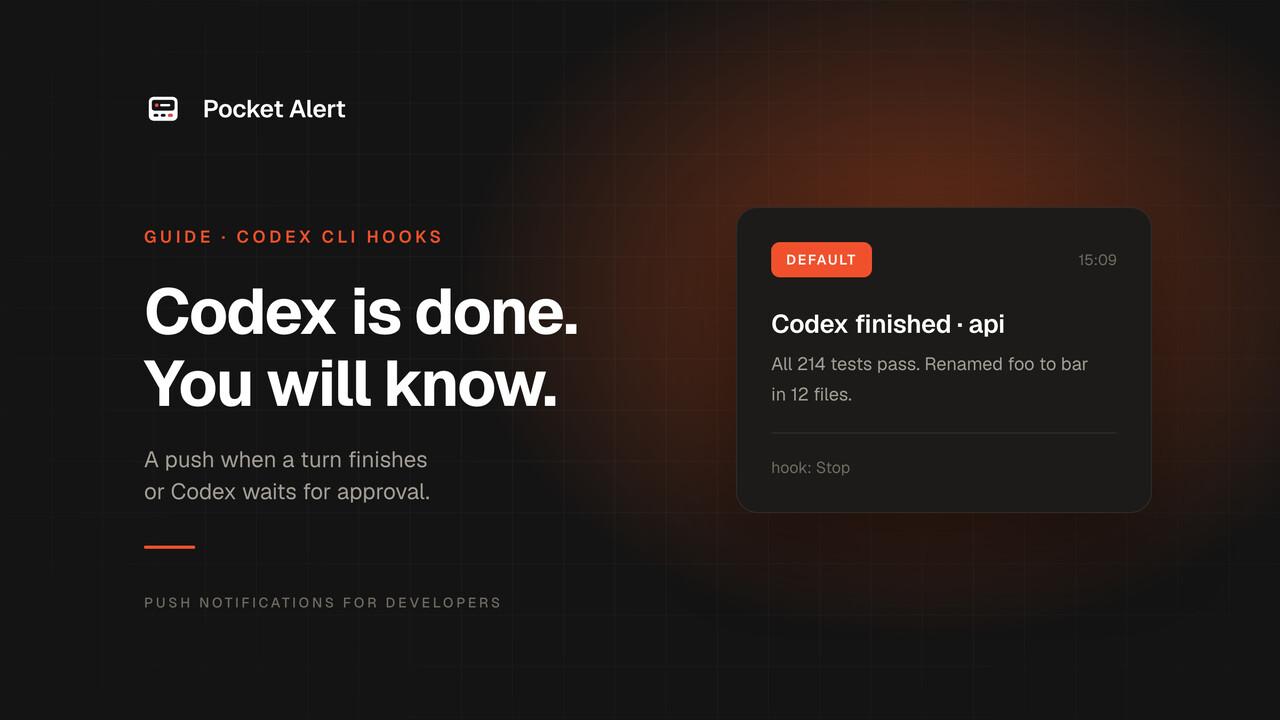
Codex CLI already tells you when it finishes, as long as you are looking at the terminal. Its built-in notifications are terminal escape codes: a desktop banner if your terminal supports them, a bell if not. Neither follows you to the kitchen.
Codex can also run your own commands at points in its lifecycle, and that is all a phone push needs. This guide sends one when Codex finishes a turn and another when it stops to ask for approval.
Two ways Codex runs your command
- Hooks, the current mechanism. Configured in
hooks.json, enabled by default, with events such asStop,PermissionRequest,PreToolUseandSessionEnd. The command gets the event as JSON on stdin. notify, the older setting inconfig.toml. It fires on one event,agent-turn-complete, and passes the JSON as the last command-line argument. It still works, but the Codex source marks it as legacy.
Use hooks. The notify version is at the end for older setups.
What you need
- Codex CLI, a recent release with hooks.
jqandcurl.- A Pocket Alert account, an API key from API Keys, and the app on your phone. The Free plan is enough.
Put the API key in a file that only you can read, so it stays out of your shell history and environment:
mkdir -p ~/.config/pocketalert
printf '%s' 'YOUR_API_KEY' > ~/.config/pocketalert/key
chmod 600 ~/.config/pocketalert/key
Step 1. The hook script
Save this as ~/.codex/hooks/pocketalert.sh:
#!/usr/bin/env bash
payload=$(cat)
project=$(basename "$(jq -r '.cwd' <<<"$payload")")

case "$(jq -r '.hook_event_name' <<<"$payload")" in
  Stop)
    title="Codex finished · $project"
    message=$(jq -r '.last_assistant_message // "Turn complete"' <<<"$payload")
    level=default ;;
  PermissionRequest)
    title="Codex needs approval · $project"
    message=$(jq -r '"Wants to run " + (.tool_name // "a tool")' <<<"$payload")
    level=high ;;
  *) exit 0 ;;
esac

jq -n --arg t "$title" --arg m "${message:0:300}" --arg l "$level" \
  '{title: $t, message: $m, level: $l}' |
  curl -sS --max-time 10 https://api.pocketalert.app/v1/messages \
    -H "Token: $(cat ~/.config/pocketalert/key)" \
    -H 'Content-Type: application/json' \
    --data-binary @- >/dev/null 2>&1 || true

exit 0
chmod +x ~/.codex/hooks/pocketalert.sh
Codex is strict about hook output. For Stop, it expects either nothing or JSON on stdout, and exit code 2 tells it to keep going instead of stopping. That is why every bit of curl's output goes to /dev/null and the script always ends with exit 0.
PermissionRequest hooks can also approve or deny on Codex's behalf. This one does neither: it prints nothing, so Codex shows its normal approval prompt and you get a push saying it is waiting.
Or with the Pocket Alert CLI
With the Pocket Alert CLI 2.0 or later installed, the curl block shrinks to one command. The CLI escapes the text itself and takes the key from pocketalert auth, so the key file is no longer needed:
pocketalert send -t "$title" -m "${message:0:300}" -l "$level" -q >/dev/null 2>&1 || true
Keep -t and -m rather than positional arguments: a reply that starts with a dash, like a Markdown list, would otherwise be read as an option.
Step 2. Register the hooks
Create ~/.codex/hooks.json:
{
  "hooks": {
    "Stop": [
      {
        "hooks": [
          { "type": "command", "command": "~/.codex/hooks/pocketalert.sh", "timeout": 30 }
        ]
      }
    ],
    "PermissionRequest": [
      {
        "hooks": [
          { "type": "command", "command": "~/.codex/hooks/pocketalert.sh", "timeout": 30 }
        ]
      }
    ]
  }
}
The file in your home directory applies everywhere. A .codex/hooks.json inside a repository applies to that project, but only once you have marked the project as trusted.
Hooks are on by default. If you turned them off at some point, remove hooks = false from the [features] table in ~/.codex/config.toml.
Codex runs only hooks you have reviewed and trusted. The next time it starts, it warns that new hooks need review: open /hooks, check the two entries and trust them. If you change them later, Codex skips them until you trust them again.
Step 3. Test it
Start Codex in any project and give it a short task:
> Summarise README.md in one sentence.
When the turn ends, your phone shows Codex finished · your-project with the summary. Ask it to run a command that needs approval, and a second push, Codex needs approval, arrives at high priority.
To test the script without Codex:
echo '{"hook_event_name":"Stop","cwd":"/tmp/demo","last_assistant_message":"Hook test"}' \
  | ~/.codex/hooks/pocketalert.sh
What lands on your phone
| Event | Title | Body | Level |
|---|---|---|---|
| Turn finished | Codex finished · api | First 300 characters of the last reply | default |
| Approval needed | Codex needs approval · api | Wants to run Bash | high |
high is delivered as time-sensitive on iPhone, so the approval push gets through Focus while routine "finished" pushes stay quiet. Both stay in the app's history and the web dashboard.
The older way: notify
If your Codex version predates hooks, or you already use notify, it works with a few changes. Codex passes the event as the last argument instead of stdin, uses kebab-case keys, and only reports finished turns:
#!/usr/bin/env bash
event="${@: -1}"
[ "$(jq -r '.type' <<<"$event")" = "agent-turn-complete" ] || exit 0

jq -n --arg m "$(jq -r '."last-assistant-message" // "Turn complete"' <<<"$event" | cut -c1-300)" \
  '{title: "Codex finished", message: $m}' |
  curl -sS --max-time 10 https://api.pocketalert.app/v1/messages \
    -H "Token: $(cat ~/.config/pocketalert/key)" \
    -H 'Content-Type: application/json' \
    --data-binary @- >/dev/null 2>&1 || true
# ~/.codex/config.toml
notify = ["/Users/you/.codex/notify-pocketalert.sh"]
notify has no approval event, so use hooks if you want to know when Codex is blocked.
Or let Codex send it through MCP
Hooks fire on fixed events. To let Codex decide what to tell you, add the Pocket Alert MCP server to ~/.codex/config.toml:
[mcp_servers.pocketalert]
url = "https://mcp.pocketalert.app/mcp"
bearer_token_env_var = "POCKETALERT_API_KEY"
or from the command line:
codex mcp add pocketalert --url https://mcp.pocketalert.app/mcp \
  --bearer-token-env-var POCKETALERT_API_KEY
Export POCKETALERT_API_KEY in the shell that starts Codex. Then a prompt like "run the test suite and push me the failures" ends with Codex calling create_message with a summary it wrote. The tool takes level and actions too.
If nothing arrives
- Run the test command. If it works there, the problem is in hook registration; if not, remove
>/dev/null 2>&1to see curl's error.401means the key is wrong. - Check the hooks are trusted. Open
/hooksin Codex; untrusted or changed hooks are skipped. - Check the project is trusted if you put
hooks.jsonin the repository. - Check
jqis on the PATH Codex sees. Hook commands run with Codex's environment and the session's working directory. - Check the daily limit. The Free plan sends 50 messages a day, and Stop fires after every turn.
FAQ
What about [tui] notifications?
That is Codex's built-in terminal notification. It is on by default and can cover both finished turns and approval requests, but it shows up on the computer, through your terminal. A push reaches your phone and keeps a history.
Does this work in the Codex IDE extension?
The extension runs the Codex agent on your machine with the same ~/.codex configuration, so set up and trust the hooks in the CLI first. Codex cloud tasks run on OpenAI's servers and do not run your local hooks.
Can I approve from the phone?
Not with this script: it only tells you Codex is waiting. A PermissionRequest hook can return an allow or deny decision, so you can build approvals on top of it with an endpoint your phone calls. Human-in-the-loop notifications shows the pattern.
Is it free?
Yes. Hooks are built into Codex, and Pocket Alert's Free plan covers 50 messages a day on one device.
Get an API key, add the hook, and stop checking the terminal.