Claude Code push notifications: know when a task finishes
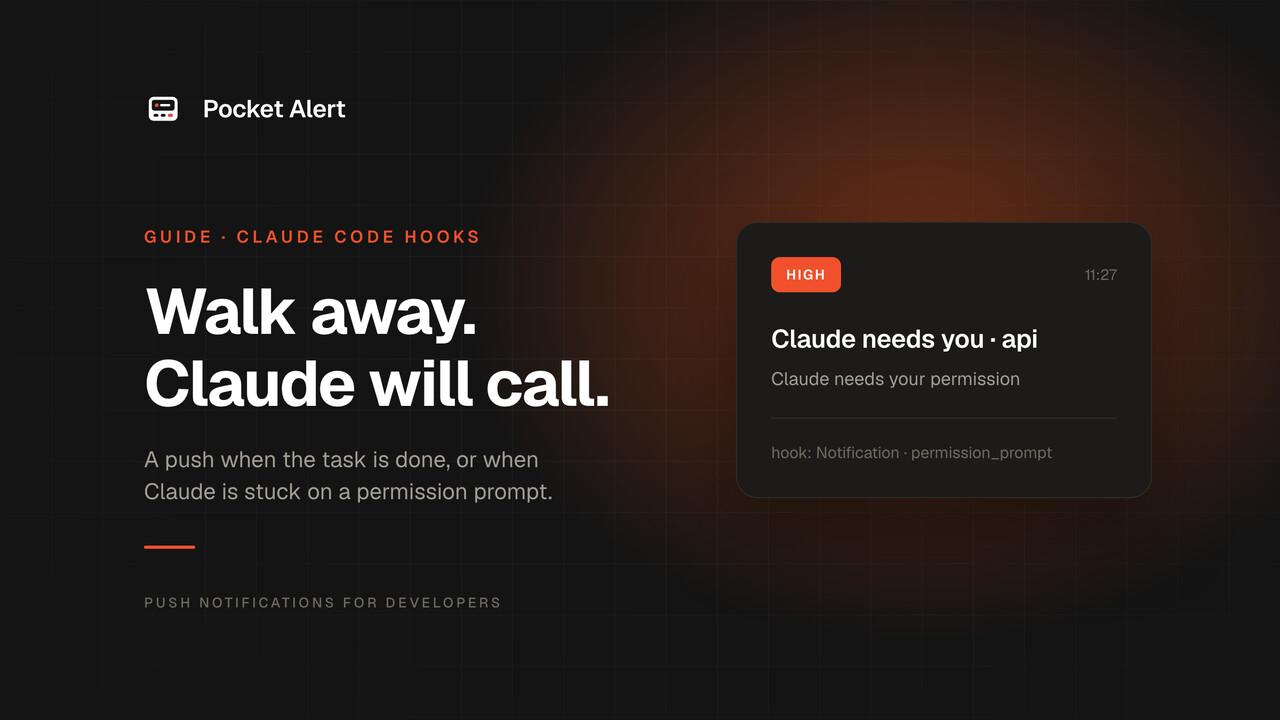
Claude Code is happy to work for twenty minutes on its own. The trouble is the other side of those twenty minutes: you either sit and watch the terminal, or you walk away and come back to find it has been waiting for a permission prompt since minute three.
Hooks fix both. Claude Code runs a shell command at fixed points in its lifecycle, and three of those points are exactly what you want on your phone:
- Stop: Claude finished responding. The task is done, or it has a question.
- Notification: Claude needs you. A permission prompt, or it has been idle waiting for input.
- StopFailure: the turn ended on an API error, such as a rate limit or a billing problem.
This guide wires all three to Pocket Alert with one script. Setup takes about five minutes.
What you need
- Claude Code, any recent version.
jqandcurl. Both ship with most Linux distributions; on macOS,brew install jq.- A Pocket Alert account and an API key from API Keys. The Free plan is enough.
- The Pocket Alert app on your iPhone or Android phone, signed in.
Step 1. The hook script
Claude Code passes each hook a JSON object on stdin. The fields you need are hook_event_name, cwd, last_assistant_message on Stop, message on Notification, and error on StopFailure. The script turns that into a push:
#!/usr/bin/env bash
payload=$(cat)
project=$(basename "$(jq -r '.cwd' <<<"$payload")")

case "$(jq -r '.hook_event_name' <<<"$payload")" in
  Stop)
    title="Claude finished · $project"
    message=$(jq -r '.last_assistant_message // "Task complete"' <<<"$payload")
    level=default ;;
  Notification)
    title="Claude needs you · $project"
    message=$(jq -r '.message' <<<"$payload")
    level=high ;;
  StopFailure)
    title="Claude stopped · $project"
    message=$(jq -r '"API error: " + (.error // "unknown")' <<<"$payload")
    level=high ;;
  *) exit 0 ;;
esac

jq -n --arg t "$title" --arg m "${message:0:300}" --arg l "$level" \
  '{title: $t, message: $m, level: $l}' |
  curl -sS --max-time 10 https://api.pocketalert.app/v1/messages \
    -H "Token: $POCKETALERT_API_KEY" \
    -H 'Content-Type: application/json' \
    --data-binary @- >/dev/null || true

exit 0
Save it as ~/.claude/hooks/pocketalert.sh and make it executable:
mkdir -p ~/.claude/hooks
chmod +x ~/.claude/hooks/pocketalert.sh
Two lines in it matter more than they look:
jq -nbuilds the JSON. Claude's last message is full of quotes, backticks and newlines. Pasting it into a JSON string by hand breaks on the first quote;jqescapes it properly.exit 0at the end, and|| trueafter curl. For a Stop hook, exit code 2 means "do not stop, keep going". A notification hook must never block Claude, even when your network is down.
Or with the Pocket Alert CLI
With the Pocket Alert CLI 2.0 or later installed, the curl block shrinks to one command. The CLI escapes the text itself and takes the key from POCKETALERT_API_KEY (the env block below sets it) or from pocketalert auth:
pocketalert send -t "$title" -m "${message:0:300}" -l "$level" -q >/dev/null 2>&1 || true
Keep -t and -m rather than positional arguments: a reply that starts with a dash, like a Markdown list, would otherwise be read as an option.
Step 2. Register the hooks
Add the hooks to ~/.claude/settings.json so they apply to every project. If the file already has a hooks key, merge these entries into it:
{
  "env": {
    "POCKETALERT_API_KEY": "YOUR_API_KEY"
  },
  "hooks": {
    "Stop": [
      { "hooks": [{ "type": "command", "command": "~/.claude/hooks/pocketalert.sh" }] }
    ],
    "StopFailure": [
      { "hooks": [{ "type": "command", "command": "~/.claude/hooks/pocketalert.sh" }] }
    ],
    "Notification": [
      {
        "matcher": "permission_prompt|idle_prompt",
        "hooks": [{ "type": "command", "command": "~/.claude/hooks/pocketalert.sh" }]
      }
    ]
  }
}
The env block hands the API key to the hook without putting it in your shell profile. If you already export POCKETALERT_API_KEY elsewhere, leave the block out.
The matcher on Notification filters by notification type. permission_prompt fires when a permission prompt has waited about six seconds without an answer, and idle_prompt about a minute after Claude finishes if you haven't typed since. In a terminal session both fire only once you seem to be away from it, so they don't buzz your phone while you are watching. Stop has no matcher: it fires every time Claude finishes a response.
To limit the hooks to one repository, put the same hooks block in .claude/settings.json in that repository instead, or in .claude/settings.local.json to keep it out of git.
Step 3. Test it
Claude Code normally picks up edits to the settings file on its own (start a new session if /hooks doesn't list them yet). Give it something small:
> List the files in this directory and stop.
When Claude finishes, your phone shows Claude finished · your-project with the start of its reply. Run /hooks inside Claude Code to see the registered hooks if nothing arrives.
To test the script on its own, feed it a fake event:
echo '{"hook_event_name":"Stop","cwd":"/tmp/demo","last_assistant_message":"Hook test"}' \
  | POCKETALERT_API_KEY=YOUR_API_KEY ~/.claude/hooks/pocketalert.sh
What lands on your phone
| Event | Title | Body | Level |
|---|---|---|---|
| Task done | Claude finished · api | First 300 characters of Claude's last reply | default |
| Permission prompt | Claude needs you · api | Claude needs your permission | high |
| Waiting for input | Claude needs you · api | Claude is waiting for your input | high |
| API error | Claude stopped · api | API error: rate_limit | high |
high arrives as time-sensitive on iPhone, so a permission prompt gets through Focus while routine "done" messages stay quiet. Every push also stays in the app's history and the web dashboard, so you can scroll back through what Claude did overnight.
Make it yours
Only when you are away. Stop fires after every response, including the quick ones you are watching. Add a switch at the top of the script:
[ -f ~/.claude/away ] || exit 0
Then touch ~/.claude/away when you leave the desk and rm ~/.claude/away when you come back. Permission prompts are worth getting either way, so you can put the check inside the Stop) branch only.
Group by project. Create an application per project in Pocket Alert and add application_id to the JSON. The app then filters by project and you can give each one its own default level.
Don't block Claude at all. Add "async": true next to "type": "command" and the hook runs in the background. Skip it in headless runs (claude -p): background hooks are killed when the session ends, and the push may never go out.
Resume from the phone. On a paid plan, a copy action button with the session ID lets you copy claude --resume <id> from the phone and paste it when you are back.
Or let Claude send it through MCP
Hooks are deterministic: they fire whether or not Claude remembers you. The other route is to give Claude a notification tool and let it decide when to use it. Add the Pocket Alert MCP server:
claude mcp add --transport http pocketalert https://mcp.pocketalert.app/mcp \
  --scope user --header "Authorization: Bearer YOUR_API_KEY"
Now you can say "run the migration and push me the row count when it's done", and Claude calls create_message with a message it writes for the occasion. The tool also takes level and actions, and list_messages lets Claude read back what it sent earlier.
Use both: hooks for the guaranteed "done" and "needs you", MCP for messages with real content. For approvals before risky steps, see Human-in-the-loop notifications.
If nothing arrives
- Check the key. Run the test command above. A
401from curl means the API key is wrong; remove>/dev/nullto see the response. - Check the hooks loaded. Run
/hooks. Edits to the settings file are normally picked up within seconds; if the hooks aren't listed, restart Claude Code. - Check
jqis on the PATH that Claude Code uses. Hooks run with Claude's environment, and a GUI-launched editor may not see Homebrew's/opt/homebrew/bin. - Check the daily limit. The Free plan sends 50 messages a day. A long session with many short turns can use that up; the away switch above helps.
FAQ
Does this work in the VS Code and JetBrains extensions?
Yes. The extensions run Claude Code underneath and read the same ~/.claude/settings.json, so the hooks fire there too.
Can Claude see the API key?
Not in the conversation: hooks run outside it, and their output for Stop and Notification is not shown to the model. But the env block applies to the whole session, so a Bash command Claude runs could read the variable. If that matters, keep the key in a file only you can read, such as ~/.config/pocketalert/key with mode 600, and use -H "Token: $(cat ~/.config/pocketalert/key)" in the script instead.
How is this different from the terminal bell?
The bell and desktop notifications need you at the computer. A push reaches your phone wherever you are, keeps a history, and can be set to break through Focus for the prompts that block Claude.
Can I get the whole reply, not 300 characters?
A push carries up to about 3,000 characters of text. Raise the 0:300 limit, but a push is for deciding whether to go back to the desk, not for reading the full answer.
Is it free?
Yes. Hooks are part of Claude Code, and Pocket Alert's Free plan covers 50 messages a day on one device. Paid plans add more messages, devices and action buttons.
Get an API key, drop in the script, and let Claude tell you when it's your turn.