Sentry alerts on your phone: push notifications for errors, no code
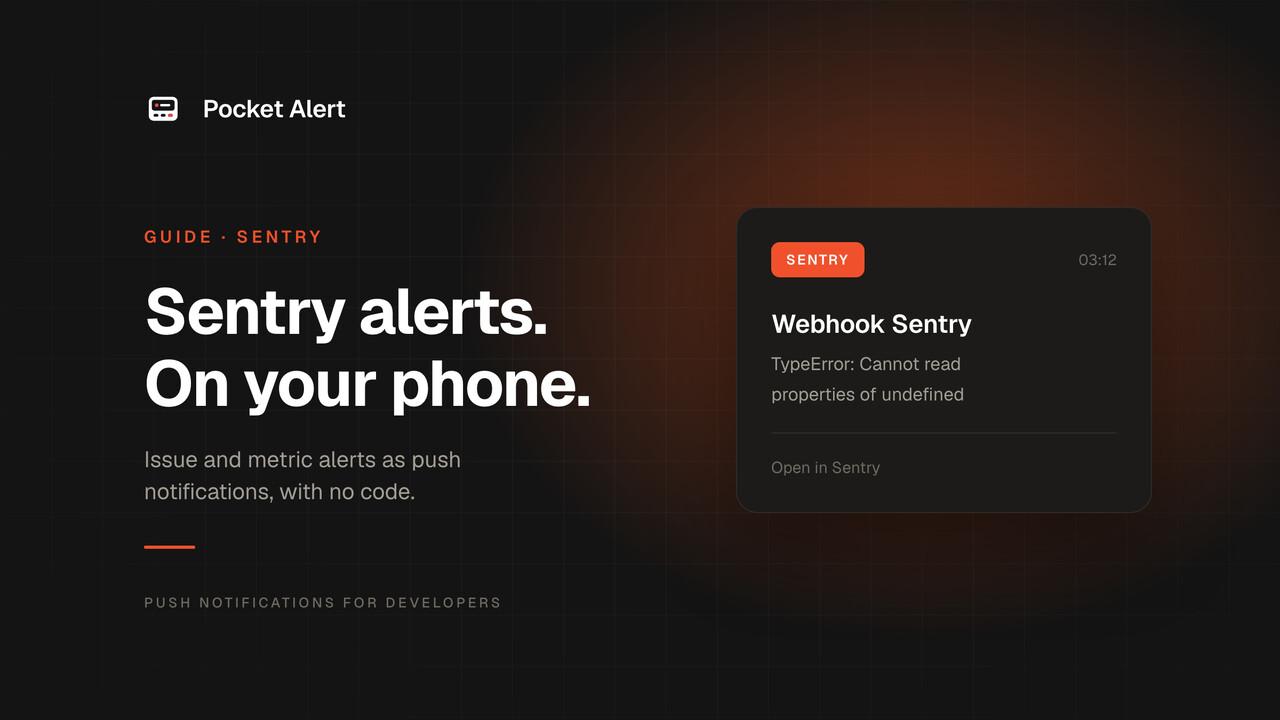
Sentry catches the exception the moment it happens. Then it emails you, or posts to a Slack channel that also gets deploy messages, standup reminders and a few hundred other things. If the error hits at 2 a.m. or while you're away from the laptop, you find out when a user does.
Sentry alerts can do better than that, but Sentry has no push app of its own for alerts. What it does have is a webhook that fires when an alert rule matches. Point it at Pocket Alert and every alert becomes a push notification on your phone, with the error title, the culprit and a button that opens the issue. No server, no code.
What you need
- A Sentry organization where you're allowed to create integrations and alerts.
- A Pocket Alert account with the app on your iPhone or Android phone. The Free plan includes one webhook, which is all this setup needs.
- An API key from API Keys if you want the "Open in Sentry" button (more on that below).
How Sentry sends alerts to a webhook
Sentry has two ways to POST an alert to a URL, and they send different JSON:
- Internal integration (recommended by Sentry). You create a private integration with a webhook URL and turn on its Alert Action toggle. It then appears as an action in your alerts. Issue alerts arrive with the
Sentry-Hook-Resource: event_alertheader and the error underdata.event; alerts on issues from Metric Monitors arrive asmetric_alertwith a ready-made title indata.description_title. - Webhooks (Legacy). A per-project plugin under project settings. It still works, but the settings page itself says Sentry strongly recommends an internal integration instead. Its payload is flat:
project_name,culprit,level,url,triggering_rulesand the rawevent.
This guide uses the internal integration and gives a template for the legacy webhook at the end.
Step 1: Create the Pocket Alert webhook
Pocket Alert names every webhook push Webhook <name>, so call it Sentry and the title on your lock screen reads "Webhook Sentry". The body comes from a template that pulls fields out of Sentry's JSON with %path% placeholders.
The quickest way is one API call, because the action button template can only be set through the API. It creates the webhook with the message template, a default level and an "Open in Sentry" button, then prints the receive URL:
jq -n \
  --arg msg $'%data.event.title%%data.description_title%\n%data.event.culprit%%data.description_text%\nRule: %data.triggered_rule%' \
  --arg act '[{"type":"view","label":"Open in Sentry","value":"%data.event.web_url%%data.web_url%"}]' \
  '{name: "Sentry", message: $msg, default_level: 1, actions: $act}' |
curl -sS https://api.pocketalert.app/v1/webhooks \
  -H "Token: YOUR_API_KEY" \
  -H 'Content-Type: application/json' \
  --data-binary @- |
jq -r '"Receive URL: https://p4a.me/wh/" + .url'
The template looks odd on purpose. One Sentry integration has one webhook URL, and both issue alerts and metric alerts go to it. A placeholder whose path doesn't exist in the payload renders as an empty string, so %data.event.title%%data.description_title% shows the error title for an issue alert and the alert title for a metric alert. The same trick gives the button the right link in both cases. For an issue alert Rule: shows the alert's name; on a metric alert that line stays empty.
If you'd rather click, create the webhook in the console at Webhooks: name Sentry, Default priority High, and paste the message template:
%data.event.title%%data.description_title%
%data.event.culprit%%data.description_text%
Rule: %data.triggered_rule%
You get the same pushes, just without the button. Copy the receive URL the console shows (https://p4a.me/wh/...).
Step 2: Create the internal integration in Sentry
- In Sentry go to Settings > Developer Settings, create a new integration and choose Internal Integration.
- Give it a name like "Pocket Alert".
- Paste the receive URL into Webhook URL.
- Turn on Alert Action. This toggle is what puts the integration into the alert builder.
- Save. Internal integrations install themselves on your organization; there's no OAuth step.
Leave the other webhook subscriptions (issue, error, comment) unchecked. Pocket Alert turns every request it receives into a push, and those resources would arrive as pushes with mostly empty lines.
Step 3: Send alerts to it
Sentry's current alert builder lives under Monitors > Alerts > Create Alert:
- Source: the projects you care about, or specific monitors.
- Environment: pick
production, so staging noise stays off your phone. - When: "A new issue is created" is the classic choice. "An issue escalates" and "A resolved issue regresses" are worth adding.
- Then: Send a notification via an integration, and select the "Pocket Alert" integration.
- Throttling: set something like 30 minutes, so a hot issue doesn't send a push for every event.
Before saving, click Send Test Notification on the If/Then block. A push titled "Webhook Sentry" should land on your phone within a second or two.
What lands on your phone
For an issue alert, Sentry's payload carries the error under data.event. These are the fields the template uses, from Sentry's documented event_alert payload:
| Field | Example | Used for |
|---|---|---|
data.event.title | ReferenceError: heck is not defined | First line of the push |
data.event.culprit | where the error was thrown | Second line |
data.triggered_rule | Very Important Alert! | Which alert fired |
data.event.web_url | https://sentry.io/organizations/…/issues/…/events/…/ | "Open in Sentry" button |
data.event.level | error | Optional, see below |
A metric alert has no data.event. Its action is critical, warning or resolved, and data.description_title already includes the state, for example "Resolved: Too many errors", with data.description_text underneath ("1000 events in the last 10 minutes"). The button uses data.web_url.
Want the Sentry level in the text? Add Level: %data.event.level% to the template. It is text only; the next section explains why it doesn't change how loudly the push arrives.
Levels: what actually decides how loud the push is
Pocket Alert has five levels: silent, low, default, high and critical. For webhooks the level is chosen in this order: a top-level level field in the incoming JSON, then the webhook's default level, then the application's default.
Sentry doesn't map onto that by itself, and a template can't translate values:
- The internal integration payload has no top-level
level. Sentry's level sits indata.event.level, so Pocket Alert uses the webhook's default level. That's why the webhook above is created withdefault_level: 1(high), which shows on iPhone as a time-sensitive notification that gets through Focus. - The legacy webhook does send a top-level
level, but with Sentry's values:fatal,error,warning,info,debug. None of them is a Pocket Alert level, so it's ignored and the default level applies. The alert is still delivered.
If a fatal error in production should wake you up while everything else stays at high, split it on the Sentry side. On a paid plan, create a second Pocket Alert webhook named "Sentry critical" with default_level: 2, and a second internal integration pointing at it. Then use two If/Then blocks in the same alert:
- Block 1: If none of: Event level equals
fatal. Then notify the "Pocket Alert" integration. - Block 2: If all of: Event level equals
fatal. Then notify "Pocket Alert critical".
Critical alerts get through Do Not Disturb on both iOS and Android (see priority levels). They're a paid feature: on the Free plan, critical is delivered as high.
The legacy webhook, if you already use it
Projects that have Webhooks (Legacy) enabled under Project Settings > Legacy Integrations can point it at the same kind of Pocket Alert webhook. The payload is different, so use this template:
%project_name%: %event.title%
%culprit%
Rule: %triggering_rules.0%
And this button template for the API call above:
[{ "type": "view", "label": "Open in Sentry", "value": "%url%" }]
Use %event.title% rather than the top-level %message%. In the legacy payload message is the event's log message, which is empty for an ordinary exception. The legacy plugin only sends when an alert has the action that notifies the project's legacy integrations, and its settings page has a Send Test Event button.
Honest limits
- One title for everything. Pocket Alert titles webhook pushes
Webhook <name>; the error goes in the body. If you need the error as the push title, put a small function between Sentry and the messages API. - No signature check. Internal integrations sign requests with
Sentry-Hook-Signature, and Pocket Alert doesn't verify it. The random receive URL is the secret, so don't post it publicly. If it leaks, delete the webhook and create a new one. - JSON only. Both Sentry mechanisms send JSON, so this is fine here, but a form-encoded sender would be rejected.
- Daily limits. The Free plan delivers 50 messages a day. With throttling on and production-only alerts that's plenty; an alert on "every event captured" will burn through it.
If nothing arrives
- Open the webhook history. Every request to your Pocket Alert webhook is logged with headers, body, the rendered message and the status. If the request is there, the problem is the template; if it isn't, Sentry never sent it.
- Check the Alert Action toggle. Without it the integration doesn't appear under Send a notification via an integration.
- Check the alert's history. The alert's details page in Sentry lists recent runs. Filters such as environment or event level often exclude the event you expected.
- Empty lines in the push mean a path doesn't match the payload. Compare it with the body in the webhook history; field names are case-sensitive.
- No button means the URL path came out empty, and an invalid button is dropped while the message is still delivered.
FAQ
Do I need to write any code?
No. Sentry sends the webhook and Pocket Alert turns it into a push. The only command in this guide is the optional API call that adds the "Open in Sentry" button.
Can I separate production and staging?
Yes. Filter the alert by environment, or create one alert per environment pointing to different integrations and webhooks, each going to its own Pocket Alert application so you can mute staging on its own.
Does this work with self-hosted Sentry?
The internal integration and alert action are part of Sentry itself, so a self-hosted install that's recent enough to have them can send to Pocket Alert the same way, as long as it can reach p4a.me over the internet.
What about Rollbar, Bugsnag and other trackers?
The same approach works for any tracker that posts JSON to a URL; only the template paths change. See error tracking alerts for the bigger picture and the webhook tool and the template syntax for how templates work.
Is it free?
Pocket Alert's Free plan covers one webhook, one device and 50 messages a day, which is enough for production error alerts on a small app.
Create a free account, paste the URL into Sentry, and the next production error will reach you first.