Pocket Alert 2.0: Critical Alerts, Action Buttons and Scheduled Push Notifications
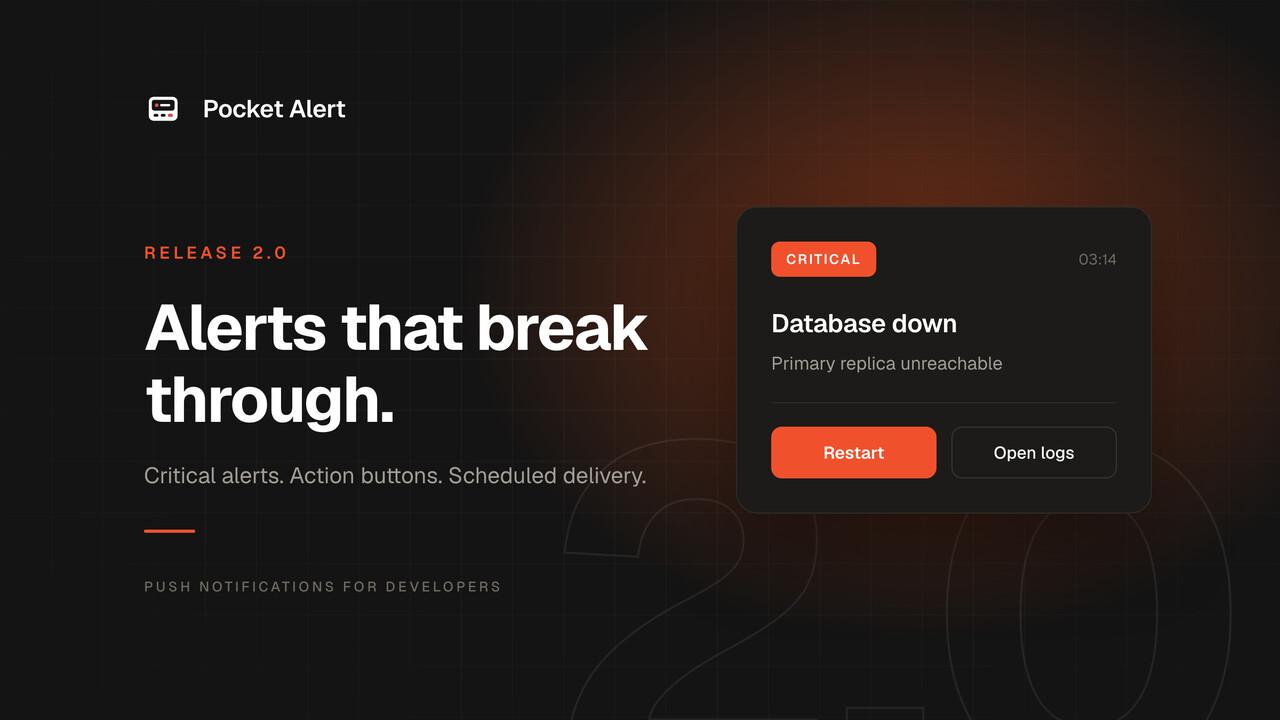
Version 2.0 is live. Here is what changed.
Priority levels and critical alerts
Every message now carries a level from -2 to 2: silent, low, default, high, critical.
Critical is the one that matters at 3am. On iOS it uses Apple's critical alert entitlement, on Android a high-importance channel with Do Not Disturb bypass and a full-screen intent. It wakes the device through the silent switch and through DND. Silent, at the other end, drops into the tray without a sound.
You set the level on the message, or as a default on the application, or on the webhook so an incoming payload maps straight to a severity. Messages win over webhooks, webhooks over applications. One webhook can serve routine and urgent traffic without you maintaining two.
Critical requires a paid plan. On Free it quietly becomes high instead of failing, so the alert still arrives.
Read more: priority levels · critical alerts use case
Action buttons
A push can carry up to three buttons. One opens a URL, one fires an HTTP request in the background, one copies a value to your clipboard.
The HTTP ones turn a notification into a control panel. Two buttons labelled Approve and Decline let you unblock a deploy from the lock screen, or let an AI agent ask before it touches production. The request goes from your phone to your endpoint; we never proxy it.
Buttons also live inside the message itself, so swiping the banner away does not lose them. Webhooks can carry button templates filled in from the incoming payload, which is how a Sentry alert arrives with a working link to that specific issue.
Read more: action buttons · docs
Scheduled delivery
Pass an exact time or a relative delay of up to 30 days, and cancel any time before it fires.
Certificate expiry reminders, maintenance windows, a nudge two hours after you kick off a migration: none of it needs a cron job or a worker that stays alive until Tuesday. Times without a timezone offset are read in your account timezone. Content sits encrypted until delivery, attachments included, and a restart past the delivery time sends the message late rather than dropping it.
Paid plans only, and a Free-plan request gets an explicit error instead of a silently discarded message.
Read more: scheduled delivery · docs
Webhook history
Webhooks used to be a black box. When nothing arrived you could not tell whether the sender never called, sent a payload your template did not match, or hit a webhook you disabled a month ago.
Every incoming call is now recorded: timestamp, method, source IP, size, headers, body, the message your template produced, and whether a push actually went out. Failures name the reason, so invalid JSON looks different from a %path% that does not exist in the payload.
Authorization and cookie headers are redacted before storage and payloads are encrypted at rest. Retention runs 7 days on Free, 30 on Starter, 90 on Medium, a year on Large.
One behaviour change came with it: the active toggle on a webhook is now enforced. A disabled webhook no longer sends anything, and the call shows up in history marked inactive.
Read more: webhook history · API docs
An MCP server for AI agents
Pocket Alert now runs a Model Context Protocol server, so Claude Desktop, Claude Code or anything you built yourself can use it as a tool. Ten tools cover sending messages with or without attachments, reading history, listing applications and devices, pulling stats and deleting messages.
The obvious use is an agent that starts something long and pings your phone when it finishes. The better use is approvals: give the agent action buttons and it can stop before doing something irreversible, ask, and continue when you tap. Human-in-the-loop only works if the loop reaches the human.
Read more: MCP server · setup docs
Browser extension
For people who live in a browser rather than a terminal, the extension puts your inbox in the toolbar: unread badge, desktop notifications on a polling interval you choose, a filterable feed, and a compose box for firing a push at one device or all of them.
It only talks to api.pocketalert.app and has no broad host access, so it cannot read the pages you browse.
Read more: browser extension · install for Chrome and Edge
Two-factor authentication
TOTP two-factor authentication lives under Account → Security, with single-use recovery codes. Any standard authenticator works, and once enabled it covers the dashboard, the mobile app and social logins.
API keys are never challenged, because 2FA applies to interactive logins. Your cron jobs and CI pipelines keep sending alerts untouched.
Read more: two-factor authentication · docs
The mobile app, rebuilt
New type scale, colour tokens, a proper brand logomark, and components that finally match across screens. The behaviour changed more than the paint did.
Unread messages are marked as unread. Swipe right to toggle read, or clear the lot when you come back to forty of them. Opening a message marks it read immediately, including when you open it from the notification.
A message can carry a link now, so tapping the push opens it directly instead of dropping you into the app. The feed filters by priority level or date range and sorts by severity instead of time, which is what makes levels pay off after an incident. Timezone settings mean timestamps match where you are rather than where the server is, and there is a toggle between relative time and full dates.
Loading is faster too: the feed paginates and the API got gzip and proper indexes, which cut the wire size by roughly 80%.
Password recovery works from the sign-in screen now, and sign-up tells you when an email is already registered instead of showing a generic error.
Common questions
Can a push notification bypass Do Not Disturb?
Yes, with priority level critical. On iOS that uses Apple's critical alert entitlement, on Android a channel with DND bypass. Both wake the device regardless of the silent switch. Critical requires a paid plan; Free delivers it as high.
Can I schedule a push notification for later?
Yes. Send an absolute time or a relative delay of up to 30 days, list pending messages and cancel any of them before delivery. Times without an offset use your account timezone.
Can I add buttons to a push notification?
Up to three per message. A button opens a URL, fires an HTTP request, or copies a value to the clipboard.
How long is webhook history kept?
7 days on Free, 30 on Starter, 90 on Medium, 365 on Large. Payloads are encrypted at rest and sensitive headers are redacted.
Does Pocket Alert work with AI agents?
Yes, through the MCP server. Any MCP-compatible client can send notifications, read history and query stats.
Getting it
The dashboard has all of this now, and the apps pick it up on the next update.
If you have been running everything at default priority, spend five minutes marking your two or three genuinely urgent alerts as critical and dropping the noisy ones to silent. That is the change that makes the rest of this useful.