Pocket Alert now speaks 11 languages
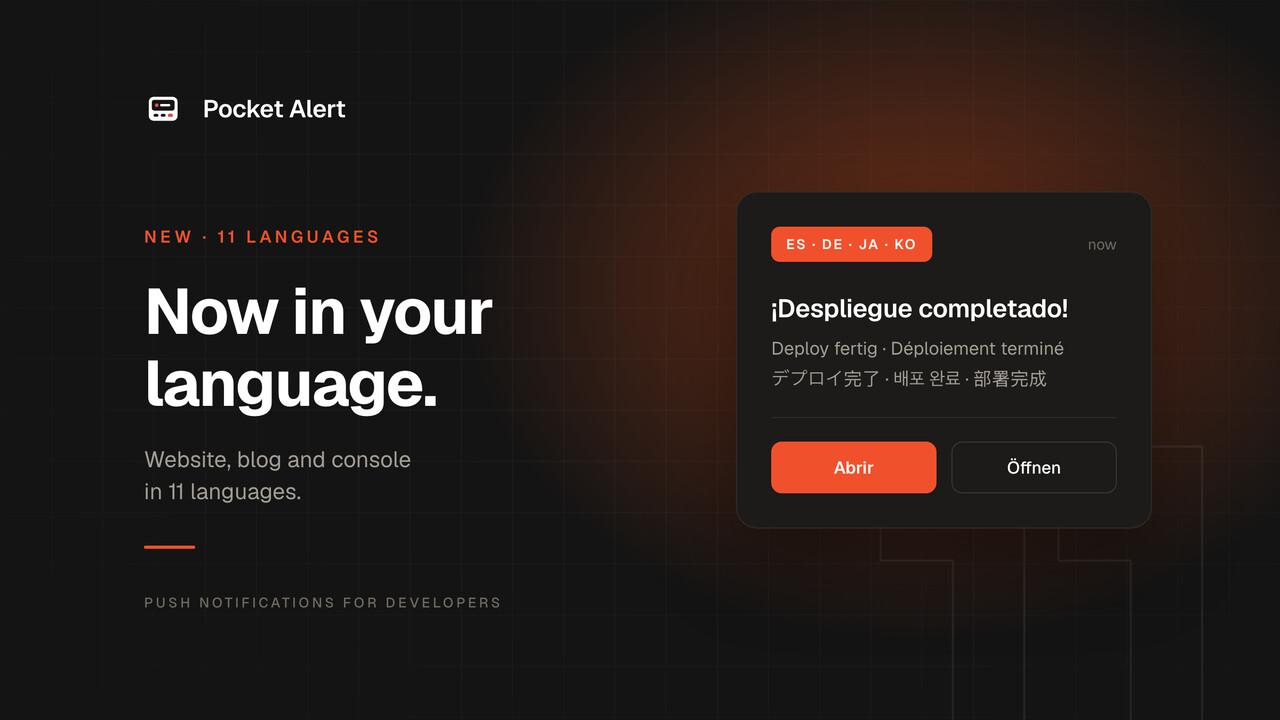
Since the first release, Pocket Alert has been English only. The developers who use it live all over the world, and reading pricing, settings and setup guides in a second language is friction nobody needs. Starting today, the website, the console and the documentation are available in 11 languages.
The languages
- English, at the plain address
- Español
- Português (Brasil)
- Français
- Deutsch
- Italiano
- Русский
- 日本語
- 简体中文
- 한국어
- Bahasa Indonesia
Arabic and other right-to-left languages need layout changes, so they are not part of this round.
What is translated
- The landing page, pricing, features, use cases, comparison pages and free tools.
- Every blog post, including all the integration guides.
- The console: messages, applications, devices, webhooks, API keys, settings and billing.
- The documentation at info.pocketalert.app, including the full API reference. Code samples stay in English, as they should.
- Terms of Use, Privacy Policy, EULA and Refund Policy. The English version stays the legally binding one, and each translation says so at the top.
How to switch
Pick a language in the menu in the site header or footer, or in the console header. The docs have their own language menu in the header. Each language has its own address prefix, for example pocketalert.app/de/pricing or pocketalert.app/ja/blog, and English stays at the plain address. Links you share open in the same language, and you stay in it as you move around the site.
What stays in English
- Your notifications. Titles and messages are delivered exactly as you send them, in whatever language you write them.
- Emails from Pocket Alert, such as sign-up confirmation and password reset, and some of the less common error messages from the API.
- The iOS and Android apps. These come next.
Translated with AI
We translated everything with Claude, Anthropic's AI model, using a glossary of product terms for each language. Native speakers have not checked every page yet, so there will be mistakes: an awkward sentence, a wrong term, a phrase that reads like a translation.
If you spot one, tell us through the contact form or at [email protected]. Mention the page and what is wrong, and we will fix it.