Cline and Aider push notifications: know when your turn comes
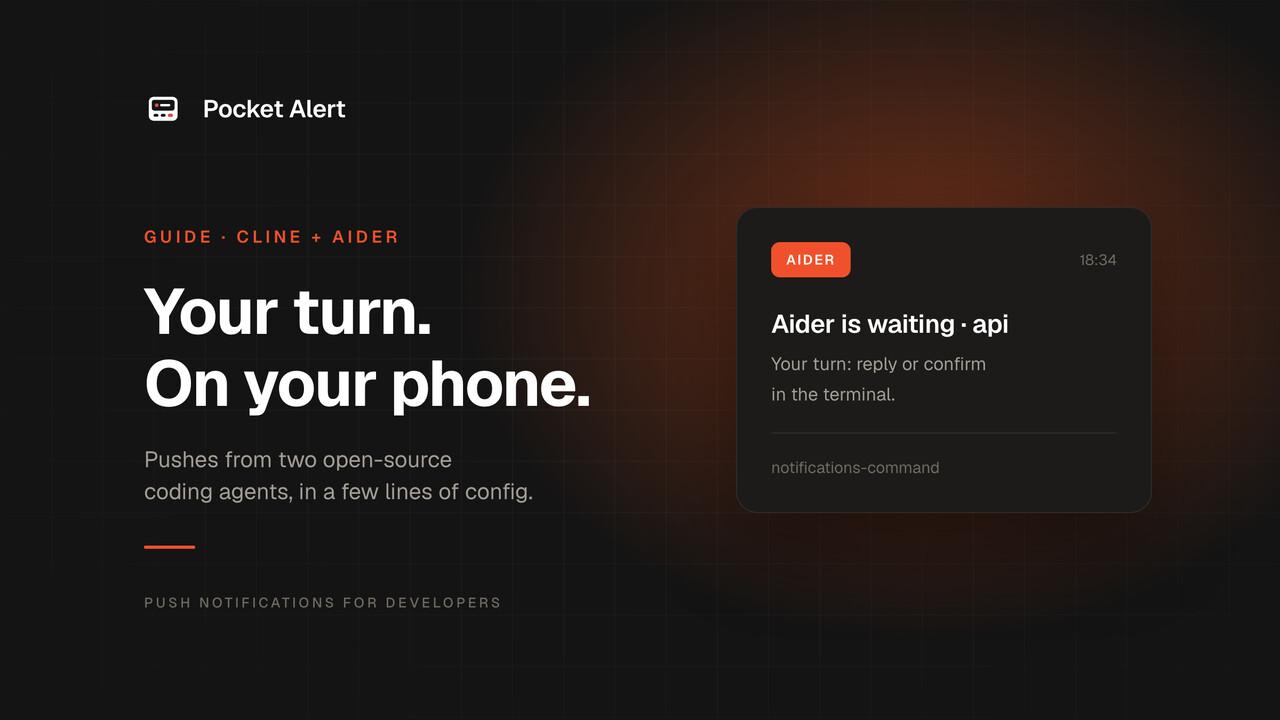
Cline and Aider are the two open-source coding agents people most often leave running in the background, and both can run a command when there is something for you to see. Neither sends anything to your phone on its own. A few lines of config change that.
- Cline runs a hook script when a task completes and speaks MCP, so it can also send pushes it writes itself.
- Aider runs a notification command when it is waiting for your input, after a response or before a yes/no confirmation.
Both send through Pocket Alert, so the pushes land in the same app, with the same history, as alerts from everything else you run.
What you need
- A Pocket Alert account, an API key from API Keys, and the app on your iPhone or Android phone. The Free plan is enough.
curl, plusjqfor the Cline hook.
Store the key in a file. Editors launched from the Dock on macOS do not read your shell profile, so a file is the one place both agents can always find it:
mkdir -p ~/.config/pocketalert
printf '%s' 'YOUR_API_KEY' > ~/.config/pocketalert/key
chmod 600 ~/.config/pocketalert/key
Cline
A hook for finished tasks
Cline hooks are executable files named after the event. Put a script called TaskComplete, with no extension, in ~/Documents/Cline/Hooks/ and Cline runs it whenever a task finishes in any workspace. For one project, use .clinerules/hooks/TaskComplete in the repository instead.
The script gets a JSON object on stdin. For TaskComplete the interesting fields are taskComplete.taskMetadata.result, Cline's final answer, and workspaceRoots, the open folders. There is also an initialTask field, but the current extension sends it empty:
#!/usr/bin/env bash
payload=$(cat)
project=$(basename "$(jq -r '.workspaceRoots[0] // "Cline"' <<<"$payload")")
result=$(jq -r '.taskComplete.taskMetadata.result // "" | if . == "" then "Done" else . end' <<<"$payload")

jq -n --arg t "Cline finished · $project" --arg m "${result:0:300}" \
  '{title: $t, message: $m}' |
  curl -sS --max-time 5 https://api.pocketalert.app/v1/messages \
    -H "Token: $(cat ~/.config/pocketalert/key)" \
    -H 'Content-Type: application/json' \
    --data-binary @- >/dev/null 2>&1 || true

echo '{"cancel":false,"contextModification":"","errorMessage":""}'
mkdir -p ~/Documents/Cline/Hooks
# save the script above as ~/Documents/Cline/Hooks/TaskComplete, then:
chmod +x ~/Documents/Cline/Hooks/TaskComplete
The last line is Cline's hook response: don't cancel, add nothing to the context, no error. Hooks have a 30-second limit, which is why curl gives up after five.
Make sure hooks are on: the Hooks toggle in Cline's feature settings is on by default. Hooks run on macOS and Linux as shell scripts; on Windows Cline expects a PowerShell script named TaskComplete.ps1.
What about "Cline is waiting for approval"?
Cline's hook list includes a Notification event for exactly that, but in the current 4.x extension it is defined and not yet called. Until it is, there is no reliable hook for approval prompts: PreToolUse fires before every tool, including auto-approved ones. If you want to step away, the practical route is to widen Cline's auto-approve settings for safe actions and let TaskComplete tell you when the work is done.
The MCP server
Cline is an MCP client, so it can also send pushes through the Pocket Alert MCP server. Add it to Cline's MCP settings file, ~/.cline/data/settings/cline_mcp_settings.json:
{
  "mcpServers": {
    "pocketalert": {
      "type": "streamableHttp",
      "url": "https://mcp.pocketalert.app/mcp",
      "headers": { "Authorization": "Bearer YOUR_API_KEY" },
      "disabled": false,
      "autoApprove": ["create_message"]
    }
  }
}
Set type explicitly: without it, Cline assumes the older SSE transport and the connection fails. autoApprove lets Cline send a push without asking you first, which is the point when you are away. Recent Cline versions read the same file from the VS Code extension, the CLI and JetBrains.
Then add an instruction to .clinerules:
When you finish a task that took more than a few minutes, call the pocketalert
create_message tool with a one-line summary. Use level "high" if something failed.
Aider
Aider has notifications built in. With --notifications it shows a desktop notification (or rings the terminal bell) when it is waiting for input, and --notifications-command replaces that with any command you like. That is all a phone push needs.
The command
Aider runs the command through the shell with no arguments, so the script builds the message from what it can see: the current directory is the repository Aider is working in.
#!/usr/bin/env bash
project=$(basename "$PWD")

curl -sS --max-time 5 https://api.pocketalert.app/v1/messages \
  -H "Token: $(cat ~/.config/pocketalert/key)" \
  -H 'Content-Type: application/json' \
  -d "{\"title\": \"Aider is waiting · $project\", \"message\": \"Your turn: reply or confirm in the terminal.\"}" \
  >/dev/null 2>&1 || true
Save it as ~/.config/pocketalert/aider-notify.sh and chmod +x it.
With the Pocket Alert CLI 2.0 or later installed and authenticated, you can skip the script and put the command straight into the config below:
notifications-command: 'pocketalert send -t "Aider is waiting · $(basename "$PWD")" -m "Your turn, reply or confirm in the terminal" -q'
The single quotes keep YAML from reading the rest of the line; Aider hands it to the shell as is.
Turn it on
Add two lines to ~/.aider.conf.yml, or to .aider.conf.yml in a repository:
notifications: true
notifications-command: ~/.config/pocketalert/aider-notify.sh
Or for a single run:
aider --notifications --notifications-command ~/.config/pocketalert/aider-notify.sh
When it fires
Aider sends one notification per response from the model, at the first moment it waits for you afterwards. Usually that is the normal prompt after it has finished editing. If the first thing it needs is a confirmation, such as "Add file to the chat?" or "Run shell command?", the push arrives for that instead, which is the "waiting for approval" case. Further confirmations in the same exchange do not send another push.
Aider has no MCP support, so the notification command is the way to go. It is also enough: Aider waits for you after every response, and that is when you want to know.
What lands on your phone
| Agent | Title | Body |
|---|---|---|
| Cline | Cline finished · api | First 300 characters of Cline's result |
| Cline via MCP | Whatever the agent writes | A summary it chose to send |
| Aider | Aider is waiting · api | Your turn: reply or confirm in the terminal. |
Messages default to normal priority. Add "level": "high" to the JSON if you want them to get through Focus on iPhone, or keep them quiet with "low" and check the history when you come back.
If nothing arrives
- Run the script by hand. For Cline,
echo '{}' | ~/Documents/Cline/Hooks/TaskComplete; for Aider,~/.config/pocketalert/aider-notify.sh. No push means the key or network; remove>/dev/null 2>&1to see curl's response. - Check the file name. Cline matches hooks by file name:
TaskCompleteexactly, executable, no.sh. - Check Aider's config key. Use
notifications-commandwith a hyphen, as in Aider's sample config.
FAQ
Do I need both agents?
No. The two sections are independent; set up the one you use.
Can Cline or Aider see my API key?
The hook and the notification command read the key from a file and are not part of the conversation. The MCP config holds the key so Cline can connect to the server; it is not sent to the model.
Will Aider spam me while I'm at the keyboard?
It sends one push per response. If that is too much while you are at the desk, start Aider without --notifications and use the config file only on long sessions, or add a check at the top of the script, like [ -f ~/.aider-away ] || exit 0, and create that file when you leave.
Is it free?
Yes. Cline and Aider are open source, and Pocket Alert's Free plan covers 50 messages a day on one device.
Get an API key, drop in the script, and let the agent call you back.